1
CHAPTER 14
1
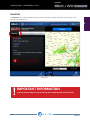
Custom Airports (continued)
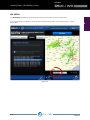
Step 2
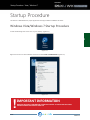
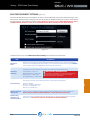
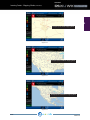
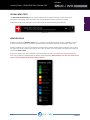
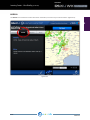
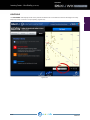
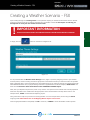
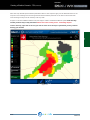
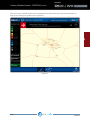
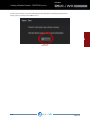
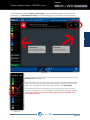
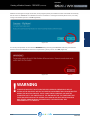
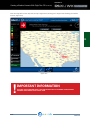
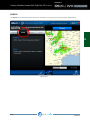
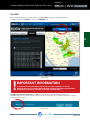
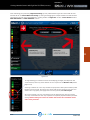
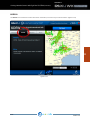
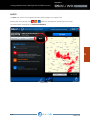
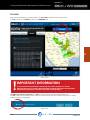
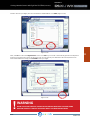
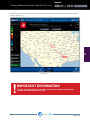
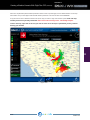
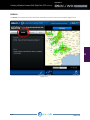
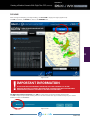
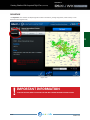
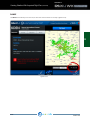
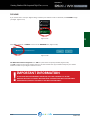
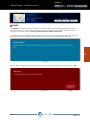
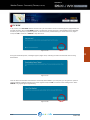
Choose the “Select to add a custom airport” option from the drop-down menu. (Figure 14.2)
Figure 14.2
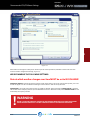
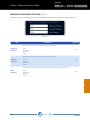
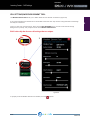
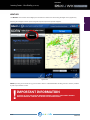
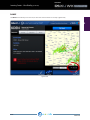
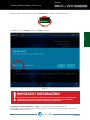
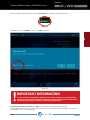
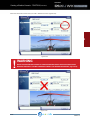
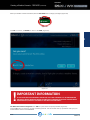
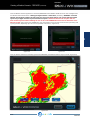
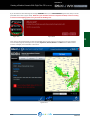
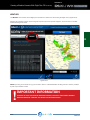
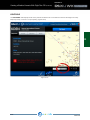
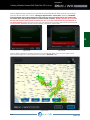
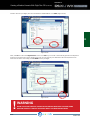
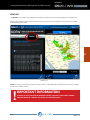
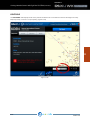
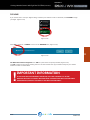
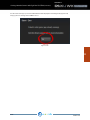
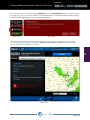
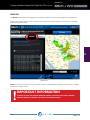
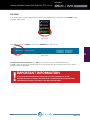
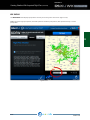
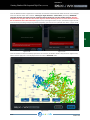
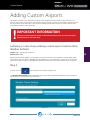
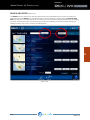
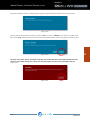
The Manage Custom Airports dialogue is diplayed (Figure 14.3) Enter all pertinent information for the airport, then
click OK.
!
Figure 14.3
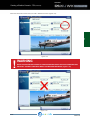
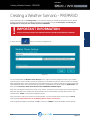
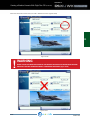
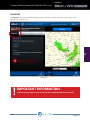
IMPORTANT INFORMATION
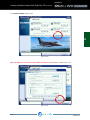
ALL DATA FIELDS MUST BE ENTERED FOR WEATHER ARCHITECT TO ADD A CUSTOM AIRPORT.
THERE ARE MANY WEBSITES THAT STORE WORLDWIDE AIRPORT INFORMATION.
REX4 WEATHER ARCHITECT USER GUIDE
PAGE 166
14