1
eBrokerSys (Stock) iDoubleClick2 Manual (2.2.3.5 Version March 2012)
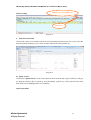
1. User Log In
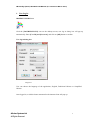
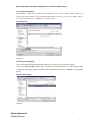
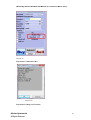
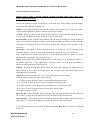
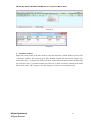
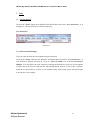
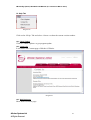
iDOUBLECLICK2 Icon
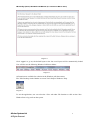
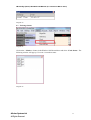
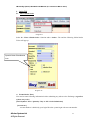
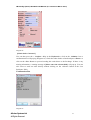
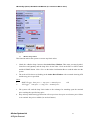
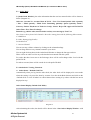
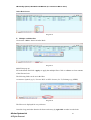
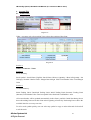
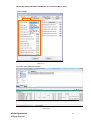
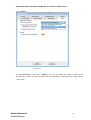
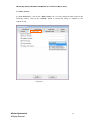
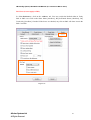
Click the [iDOUBLECLICK2] icon on the desktop screen, user log in dialog box will pop up
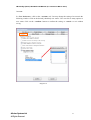
automatically. Enter [User ID] and [Password], and click on [OK] button to confirm.
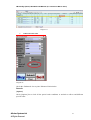
User log in dialog box
Diagram 1
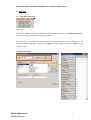
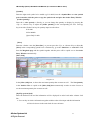
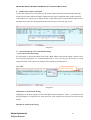
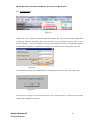
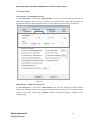
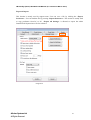
User can choose the language of the application, English, Traditional Chinese or Simplified
Chinese.
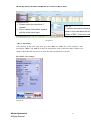
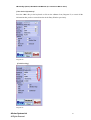
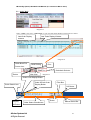
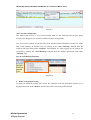
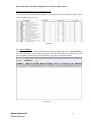
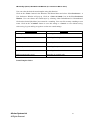
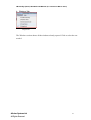
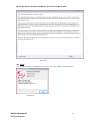
Once logged in, a risk disclosure statement for the internet client will pop up:
eBroker Systems Ltd
All Rights Reserved
3