1
If the correct award classification is not available at the list shown at ‘Employment
Classification’ it is possible to add one that applies to your employee. To do this, click on
the drop down menu arrow to the left of the field. On the screen that appears, click
‘New’, and fill in as possible. Click ‘OK’ when you have finished, and then select your
new option for the screen above.
(b)
Wages
Here you can choose whether your employee will be on a fixed salary or an hourly wage
rate. If you choose salary, the field below will require their Annual Base Pay. If they are
to be on an hourly rate (wages) put the amount they will earn per hour, before tax.
Decide how frequently they will be paid – usually fortnightly or weekly.
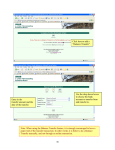
From there, go down the available list of categories, and tick beside the relevant options.
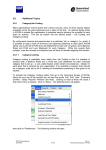
A typical screen should look something like this:
MYOB Training Manual
April 2006
2-111
Part 2:
Processing Transactions in MYOB