1
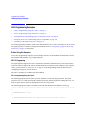
Programming Examples
LAN Programming Examples
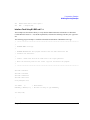
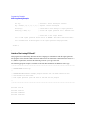
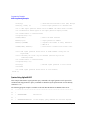
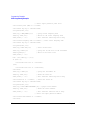
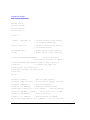
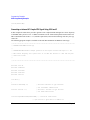
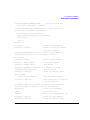
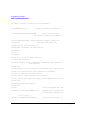
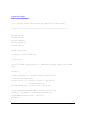
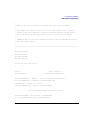
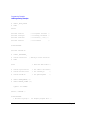
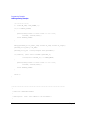
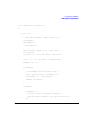
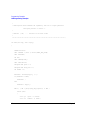
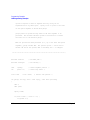
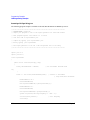
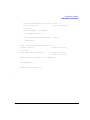
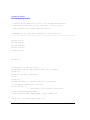
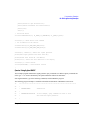
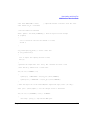
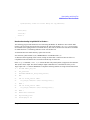
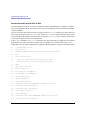
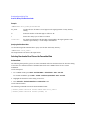
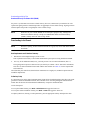
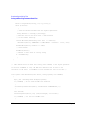
# Wait for completion
print "Waiting for source to settle...\n";
print $sock "*opc?\n";
my $response = <$sock>;
chomp $response;
# Removes newline from response
if ($response ne "1")
{
die "Bad response to '*OPC?' from instrument!\n";
}
# Send identification query
print $sock "*IDN?\n";
$response = <$sock>;
chomp $response;
print "Instrument ID: $response\n";
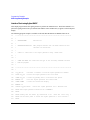
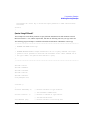
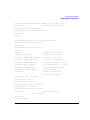
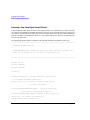
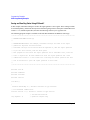
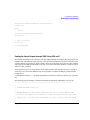
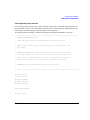
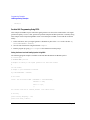
Sockets LAN Programming Using Java
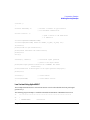
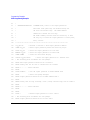
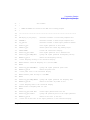
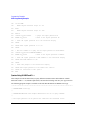
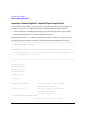
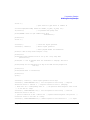
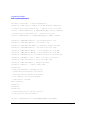
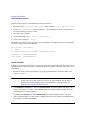
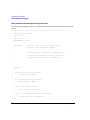
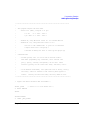
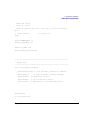
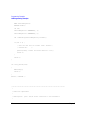
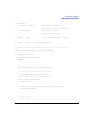
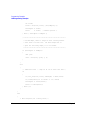
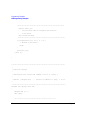
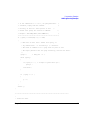
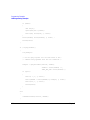
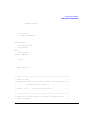
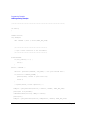
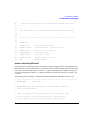
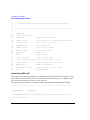
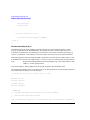
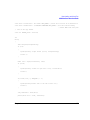
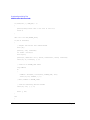
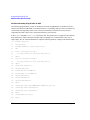
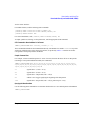
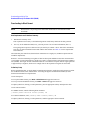
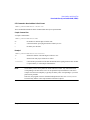
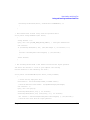
In this example the Java program connects to the signal generator via sockets LAN. This program requires
Java version 1.1 or later be installed on your PC. To run the program perform the following steps:
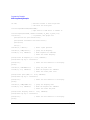
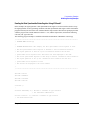
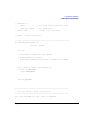
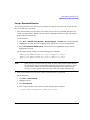
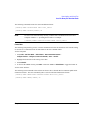
1. In the code example below, type in the hostname or IP address of your signal generator. For example,
String instrumentName = (your signal generator’s hostname).
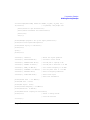
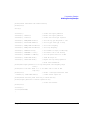
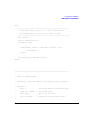
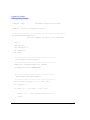
2. Copy the program as ScpiSockTest.java and save it in a convenient directory on your computer.
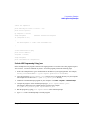
For example save the file to the C:\jdk1.3.0_2\bin\javac directory.
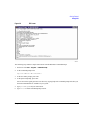
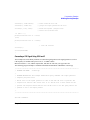
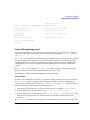
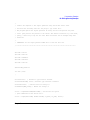
3. Launch the Command Prompt program on your computer. Click Start > Programs > Command Prompt.
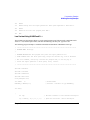
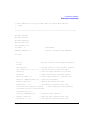
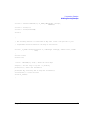
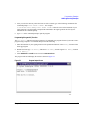
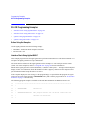
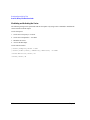
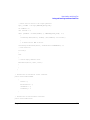
4. Compile the program. At the command prompt type: javac ScpiSockTest.java.
The directory path for the Java compiler must be specified. For example:
C:\>jdk1.3.0_02\bin\javac ScpiSockTest.java
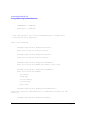
5. Run the program by typing java ScpiSockTest at the command prompt.
6. Type exit at the command prompt to end the program.
Chapter 2
109