1
Creating and Downloading Waveform Files
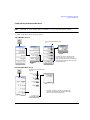
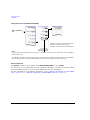
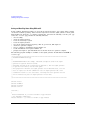
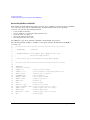
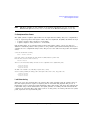
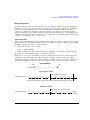
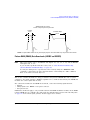
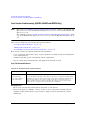
Understanding Waveform Data
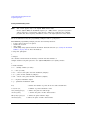
NOTE
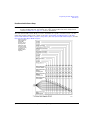
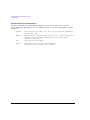
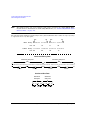
Whenever you interchange files between signal generator models, ensure that all scaling is
adequate for that signal generator’s waveform.
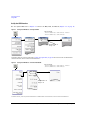
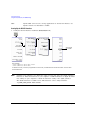
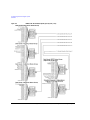
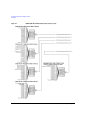
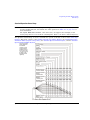
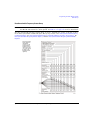
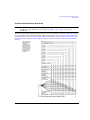
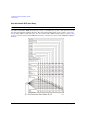
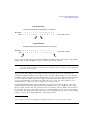
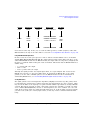
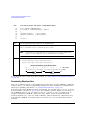
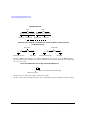
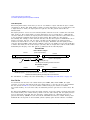
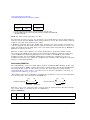
Interpolation
Interpolation
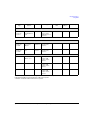
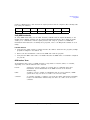
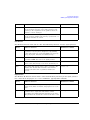
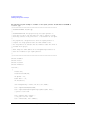
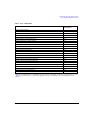
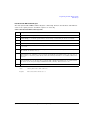
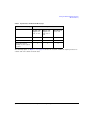
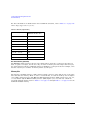
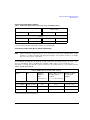
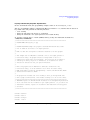
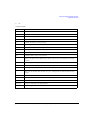
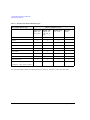
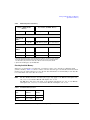
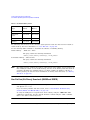
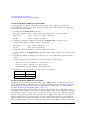
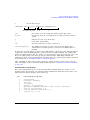
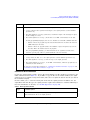
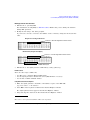
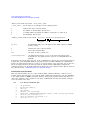
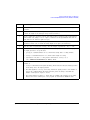
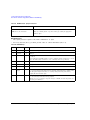
32767
Max input value
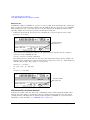
Scaling effect
DAC over-range
No over-range
-32768
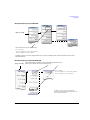
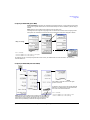
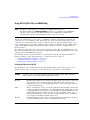
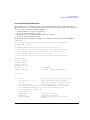
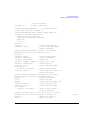
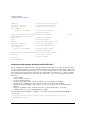
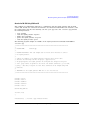
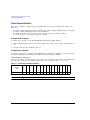
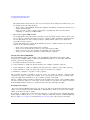
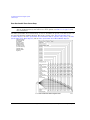
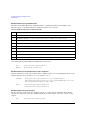
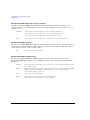
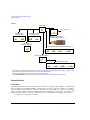
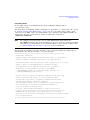
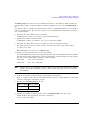
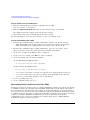
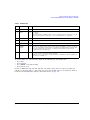
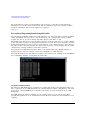
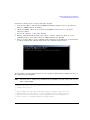
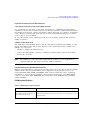
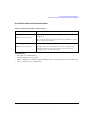
There is no single scaling value that is optimal for all waveforms. To achieve the maximum dynamic
range, select the largest scaling value that does not result in a DAC over- range error. There are two
ways to scale the I/Q data:
• Reduce the input values for the DAC.
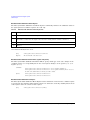
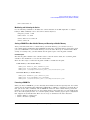
• Use the SCPI command :RADio:ARB:RSCaling <val> to set the waveform amplitude as a
percentage of full scale.
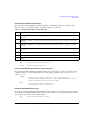
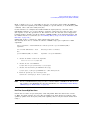
NOTE
The signal generator factory preset for scaling is 70%. If you reduce the DAC input values,
ensure that you set the signal generator scaling (:RADio:ARB:RSCaling) to an appropriate
setting that accounts for the reduced values.
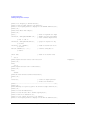
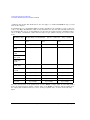
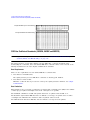
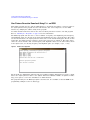
To further minimize overshoot problems, use the correct FIR filter for your signal type and adjust
your sample rate to accommodate the filter response.
190
Agilent N518xA, E8663B, E44x8C, and E82x7D Signal Generators Programming Guide