1
VTS Interface Test Tool - User Manual
Issue 0C - 1/10/07
engineering your software solutions
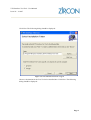
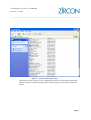
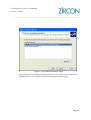
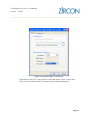
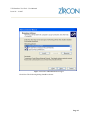
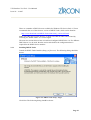
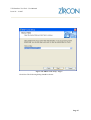
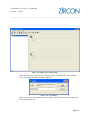
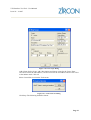
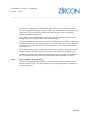
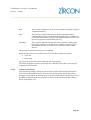
Figure 3.26. New Scope Dialog
Add a Name for the Scope, add a Description and choose a time for the Lease. Enter
192.168.2.129 for the start address, 192.168.2.254 for the end address and 255.255.255.0
as the Subnet mask. Click Ok.
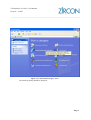
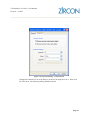
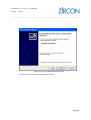
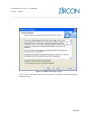
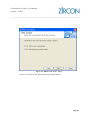
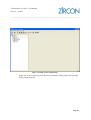
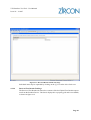
Select Control Service from the Tools menu.
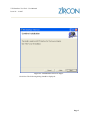
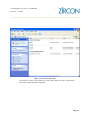
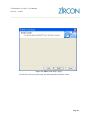
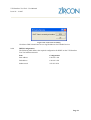
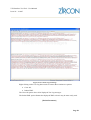
Figure 3.27. Control Service Dialog
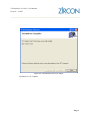
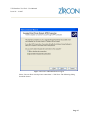
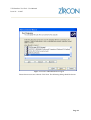
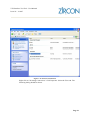
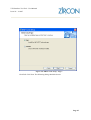
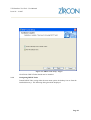
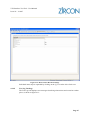
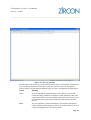
Click Stop. The following should be shown:
Page 33