1
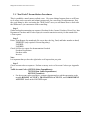
Budget Reconciliation and e~Print Overview
October 2010
3.8.Using a Page Key
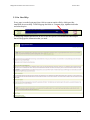
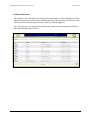
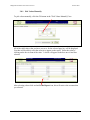
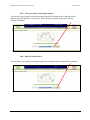
Some reports allow you to drill down and select specific criteria to search. Reports with this
option have the Search Report icon. Clicking on this icon opens the “pick pages” screen.
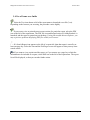
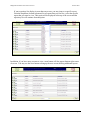
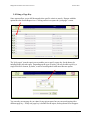
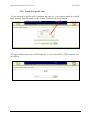
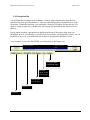
The "pick pages" (search report) screen enables you to specify a page key for the data to be
included in the selected report. Depending on the type of report, you may be able to pick by a
single FOAPAL element, by Index, or select from dropdown with more than one option.
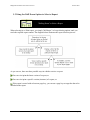
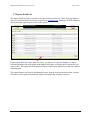
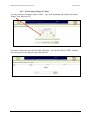
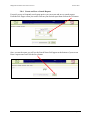
You can only use one page key at a time for any given report, but you can search again with a
different page key. If only one page key is defined for the report, no drop-down list will appear.
Page 11