1
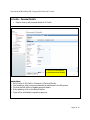
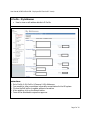
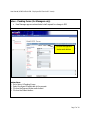
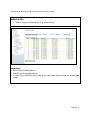
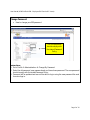
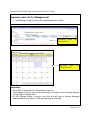
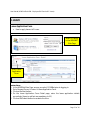
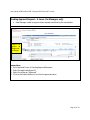
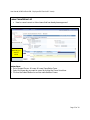
User Manual (HCMS Unified HCM – Employee Self-Service & E-Leave) Leave Cancellation List How to cancel current or future leave that has already been approved Select the leave day you want to cancel Instructions: 1. Go to Request Forms Leave Leave Cancellation Form. 2. Select the leave day you want to cancel by ticking the Cancel checkbox. 3. Click on the Submit button to confirm cancellation of leave. Page 13 of 14