1
CHAPTER
2.
The Home Page
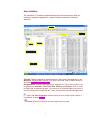
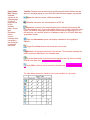
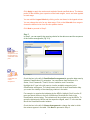
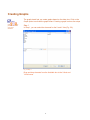
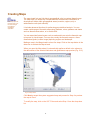
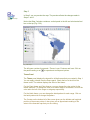
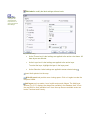
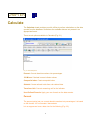
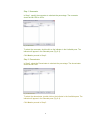
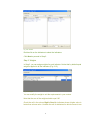
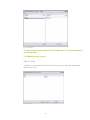
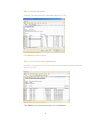
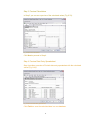
This is the home page of UrbanInfo 2.0. Notice that the home page has a column
of buttons next to the animation (Fig. 2.1). Place the mouse pointer on any button
to reveal menu options.
Fig. 2.1 The Homepage
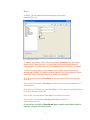
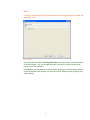
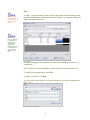
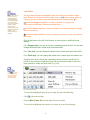
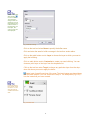
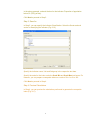
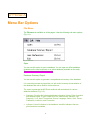
Information menu has two options: Product and Organization.
Product: Opens the default internet browser and displays information
about DI 5.0.
Organization: Opens the default internet browser and displays information
about the UN.
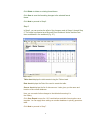
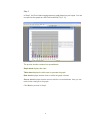
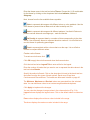
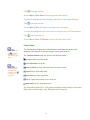
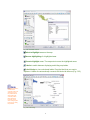
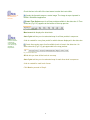
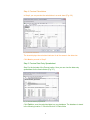
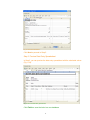
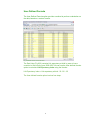
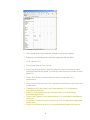
Data menu has four options: Indicator, Time, Area, and Data
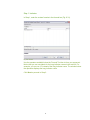
Indicator: Opens the Indicator page and lets you view and choose
indicators.
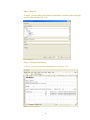
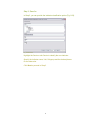
Time: Opens the Time page and lets you view and choose time periods.
Area: Opens the Area page and lets you view and choose areas.
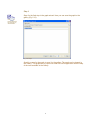
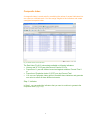
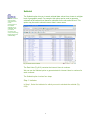
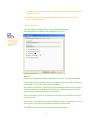
Data: Opens the Data page and lets you view data. You can choose to
view all the data records in the database or generate a data view based on
Indicator, Time and Area selections.
10