1
Content Security Gateway User’s Manual
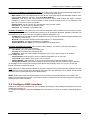
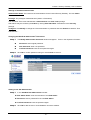
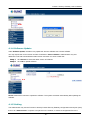
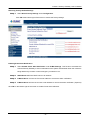
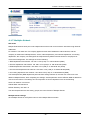
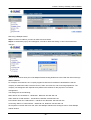
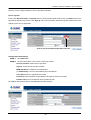
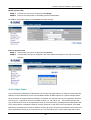
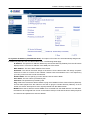
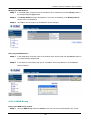
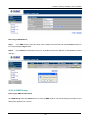
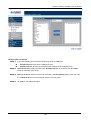
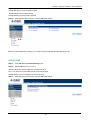
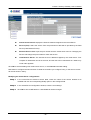
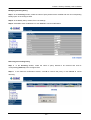
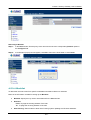
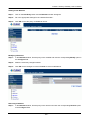
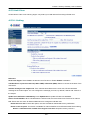
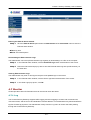
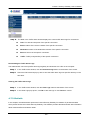
Removing a DMZ Address:
Step 1.
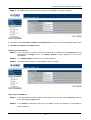
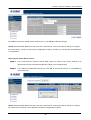
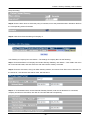
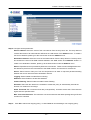
In the DMZ window, locate the name of the network to be removed and click the Remove option in
its corresponding Configure field.
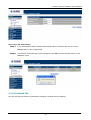
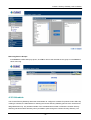
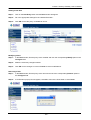
Step 2.
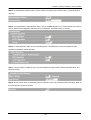
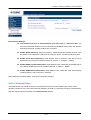
In the Remove confirmation pop-up box, click OK to remove the address or click Cancel to discard
changes.
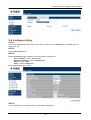
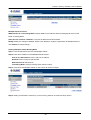
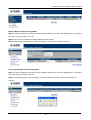
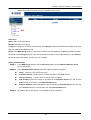
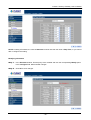
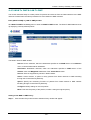
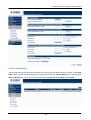
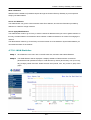
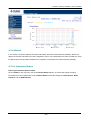
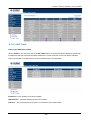
4.3.1.6 DMZ Group
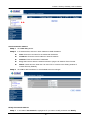
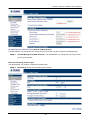
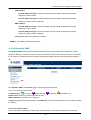
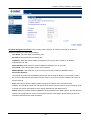
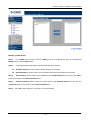
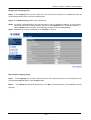
Entering the DMZ Group window
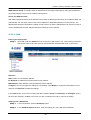
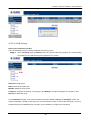
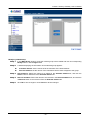
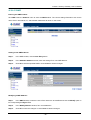
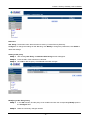
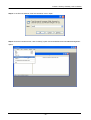
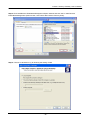
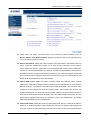
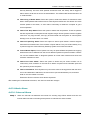
Click DMZ Group under the Address menu to enter the DMZ window. The current settings information for the
DMZ group appears on the screen.
- 57 -