1
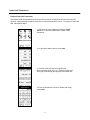
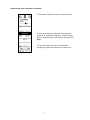
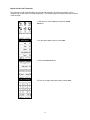
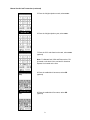
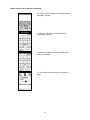
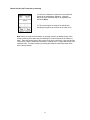
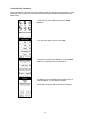
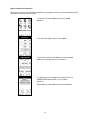
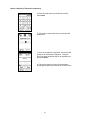
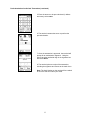
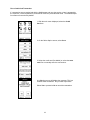
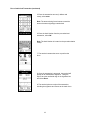
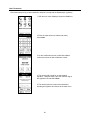
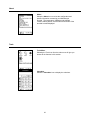
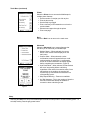
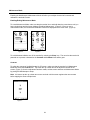
Tools Menu (continued) Printer Select the Printer icon to access the Mobilescape’s multiple printer features. Set the number of receipts you wish to print Print the last receipt Set the Skip Logo toggle Print a summary of all transactions run since the previous batch Advance extra paper through the printer Print a test page Back Select the Back icon to return to the main menu. Advanced Select the Advanced icon to access features that will allow you to customize your Mobilescape. Modem Status – When selected, the current status of the modem will be displayed on the main menu. Confirm Sales – When selected, a sales confirmation screen will appear before a credit card transaction is authorized. A confirmation screen for a cash transaction will always appear before completing the transaction. (Figure 4) Auto Pend Mode – When selected, all transactions will move into pending before authorizing regardless of the network connection status. Once transactions are in pending, the terminal will continuously try to authorize the transaction out of the pending queue. Skip Deposit Warning – Feature not available # of Dial Attempts – This is the number of times the terminal’s modem will attempt to establish a connection when authorizing a sale. Figure 4 Sleep Selecting the Sleep icon will put the Mobilescape terminal into sleep mode to conserve battery power. To exit sleep mode, press the gray power button. 23