1
Video Backup
Video Backup allows to burn multiple backup sessions, in a variety of backup formats (JPG/i3d/AVI) to the same backup
media, all at the same time.
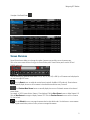
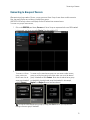
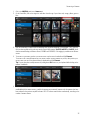
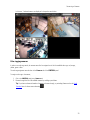
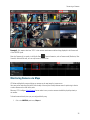
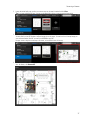
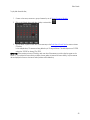
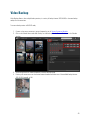
To create a backup session in BACKUP mode,
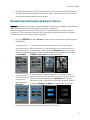
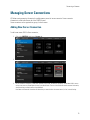
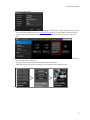
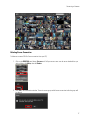
1. Connect to the server, camera or a group of cameras by one of Camera Connection Methods.
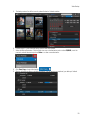
2. Click on the Calendar button and select the day for video backup. Set the Start and End times in the Calendar
window.
3. Scroll through the list of camera thumbnails in the left-hand side panel.
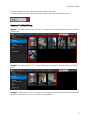
4. Position your mouse cursor over the desired camera thumbnail and select one of the available backup formats:
JPG, i3d (i3 Encypted), or AVI.
49