1
Device Simulation
GUI Reference
#
Description
1
2
3
4
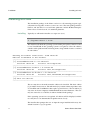
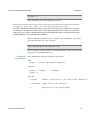
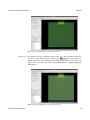
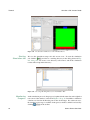
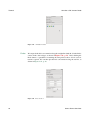
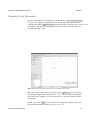
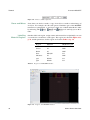
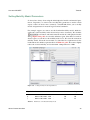
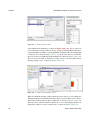
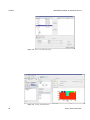
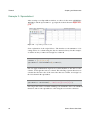
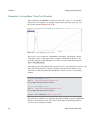
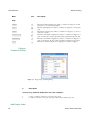
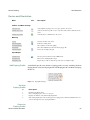
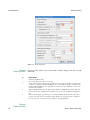
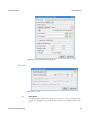
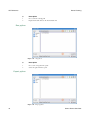
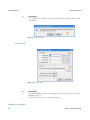
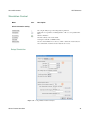
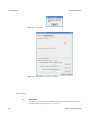
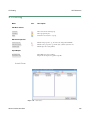
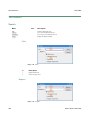
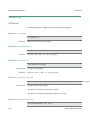
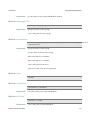
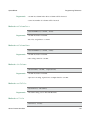
Clicks to choose the boundary
Chooses the contact type, total includes many types, here chooses the ohmic contact
Sets ohmic contact parameters, some contact have no parameters, such as Neumann boundary.
Sets boundary z width, the priority is higer than global z width setting.
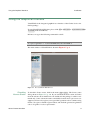
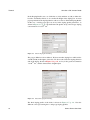
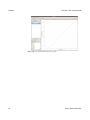
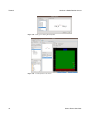
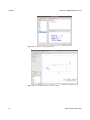
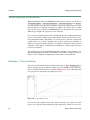
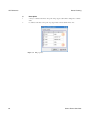
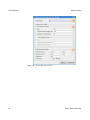
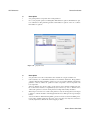
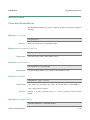
Figure 3.27 Boundary condition.
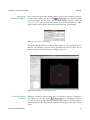
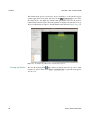
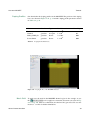
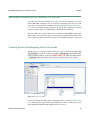
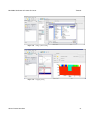
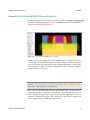
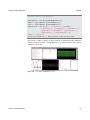
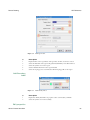
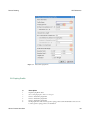
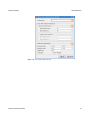
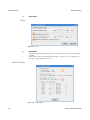
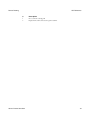
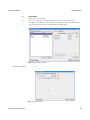
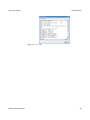
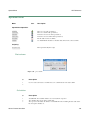
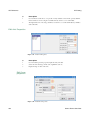
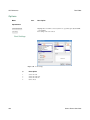
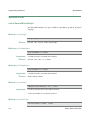
physical model
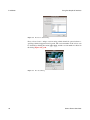
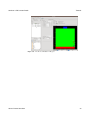
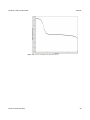
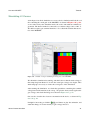
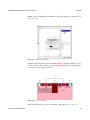
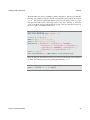
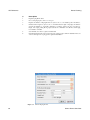
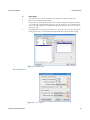
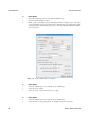
Figure 3.28 Global model.
Genius Device Simulator
85