1
Early Warranty Tracking
Export
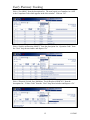
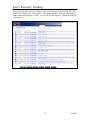
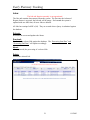
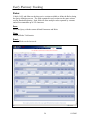
EWT data can be downloaded into a Comma Separated Value (*.csv) format file using
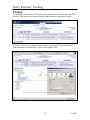
the “Export” command on the EWT Title Bar. Once a report is displayed such as the
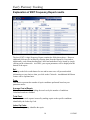
EWT Claims Report below, clicking on the “Export” command will begin the download
process.
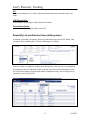
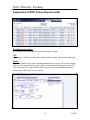
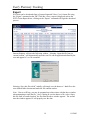
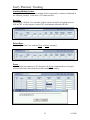
Internet Explorer will open the following window. Selecting “Open this file from its
current location”, will automatically open the text file with an application defined by the
user and append a *.csv file extension.
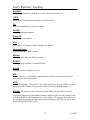
Selecting “Save this file to disk” initially will simply save the data as a *.html file to the
user defined folder location and make the file contents useless.
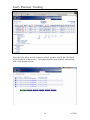
Note: Due to an IE bug, you may be prompted up to three times with the above window
when attempting to open the file. Also, if opting to save the data to a file, select “Open
this file from its current location” the first time the above window appears. The second
time the window appears, IE will properly save the data.
19
8/1/2003