1
6
MAINTENANCE
6.1
Printer paper jam
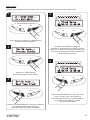
1
3
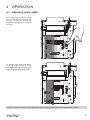
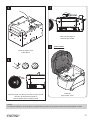
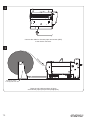
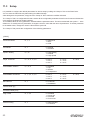
Open the upper covers of the device
(see previous paragraphs).
2
Close the upper covers of the device
(see previous paragraphs).
4
VROOM
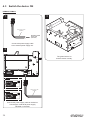
Insert the paper
(see previous paragraphs).
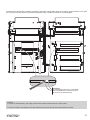
Remove the damaged paper and check the presence
for paper scraps inside the device. Carefully remove all
paper scraps. If necessary use tweezers.
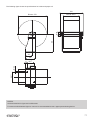
NOTE:
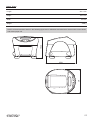
For ease of reference, in some igure is represented only the internal printer without the external plastic chassis.
51