1
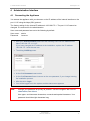
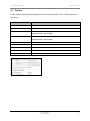
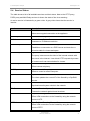
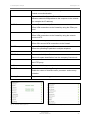
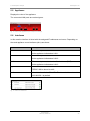
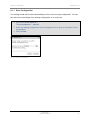
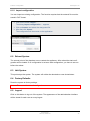
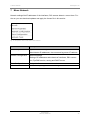
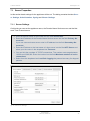
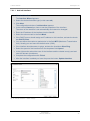
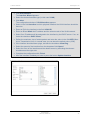
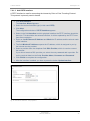
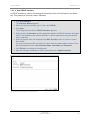
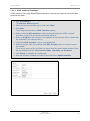
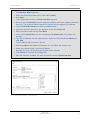
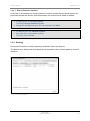
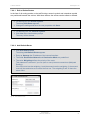
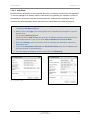
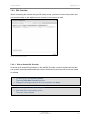
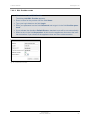
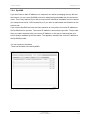
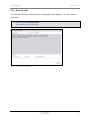
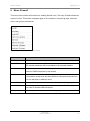
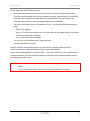
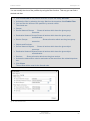
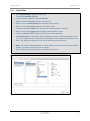
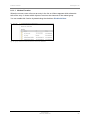
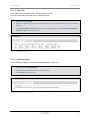
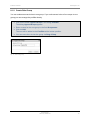
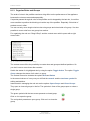
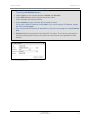
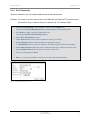
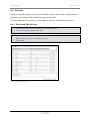
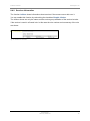
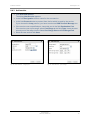
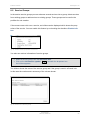
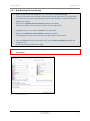
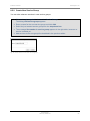
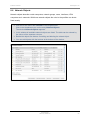
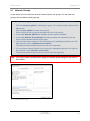
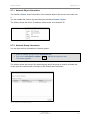
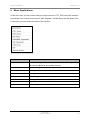
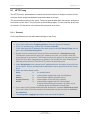
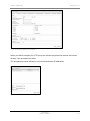
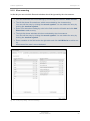
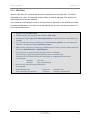
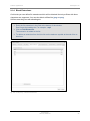
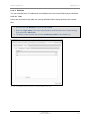
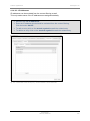
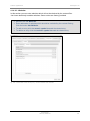
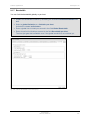
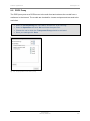
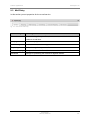
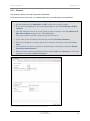
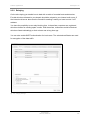
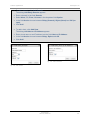
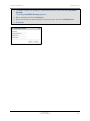
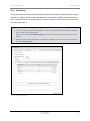
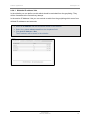
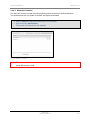
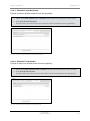
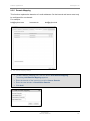
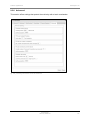
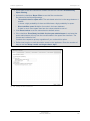
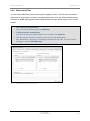
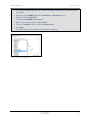
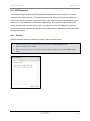
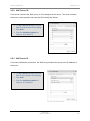
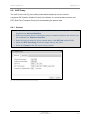
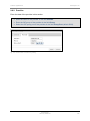
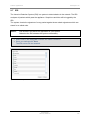
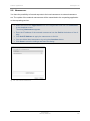
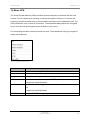
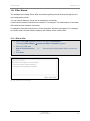
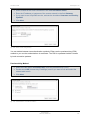
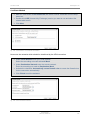
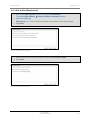
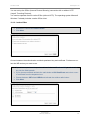
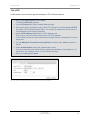
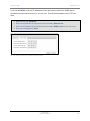
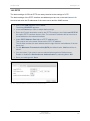
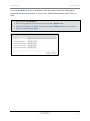
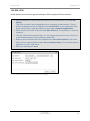
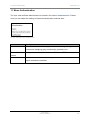
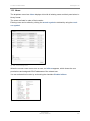
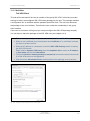
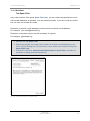
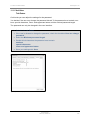
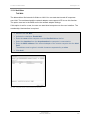
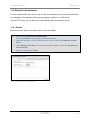
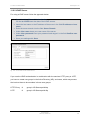
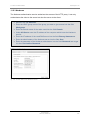
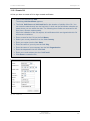
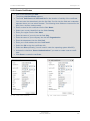
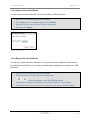
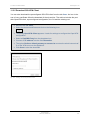
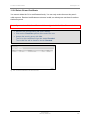
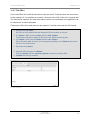
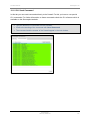
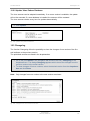
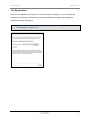
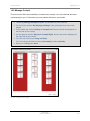
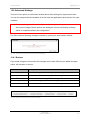
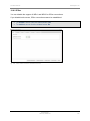
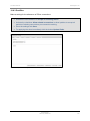
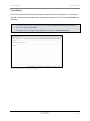
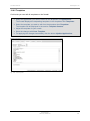
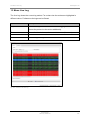
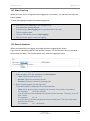
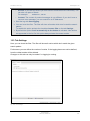
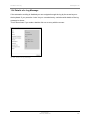
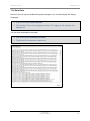
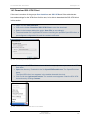
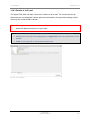
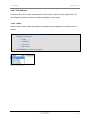
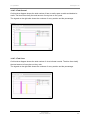
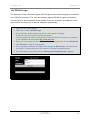
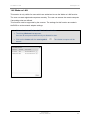
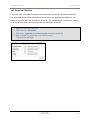
14 Download SSL-VPN Client Securepoint 10 14.3 Download SSL-VPN Client If the user is member of the groups User Interface and SSL-VPN and if the administrator has made settings for the VPN client for this user, he is able to download the SSL-VPN client in this section. Login in to the User Interface. Click on the button Download SSL-VPN Client to start the download. Select in the browser dialog the option Save File (or accordingly). The downloaded file is a packed ZIP archive including the portable OpenVPN client, a preconfigured configuration file and the needed certificates. fig. 207 save dialog of the Mozilla Firefox Decompress the ZIP archive and save the directory on your computer or on an USB flash drive. Open the directory. Doubleclick the file OpenVPNPortable.exe. The OpenVPN client starts. The OpenVPN client icon appears in the taskbar beneath the clock. Click it with the right mouse button. The context menu appears. Start the SSL-VPN connections by clicking Connect. fig. 208 context menu of the VPN client in the taskbar Securepoint Security Solutions 195