1
3.9
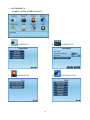
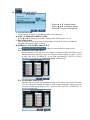
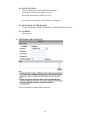
SYSTEM SETUP
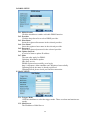
Press ▲ or ▼ to select items.
Press ◄ or ► to change values.
Press SET to see more options.
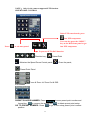
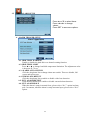
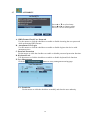
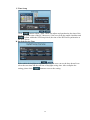
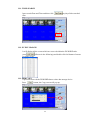
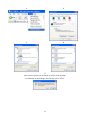
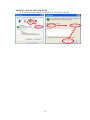
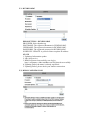
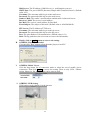
A. Software Update
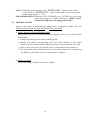
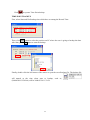
Click
button to perform firmware updating.
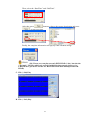
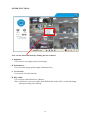
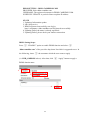
Click
to start software update.
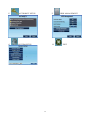
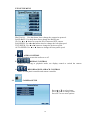
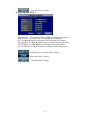
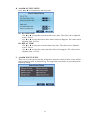
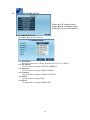
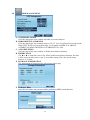
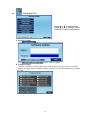
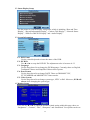
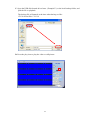
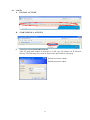
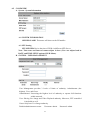
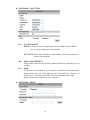
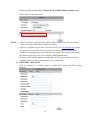
B. Configure Setup
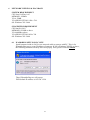
Click the checkbox to select which item can be setup by the user. The user can also
load the setting to factory default, load the configure from USB and backup configure
to USB.
33