1
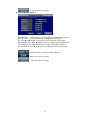
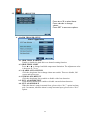
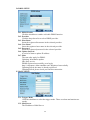
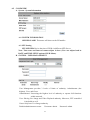
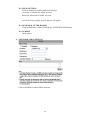
DDNS SETTING – DDNS.CAMDDNS.COM
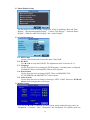
PROVIDER: Select ddns.camddns.com
USERNAME: The registered username in DDNS.CAMDDNS.COM.
SCHEDULE UPDATE: A period of time to update IP address.
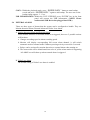
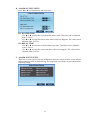
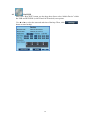
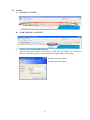
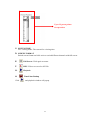
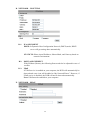
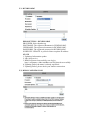
STATE
1. Updating: Information update.
2. Idle: Stop service.
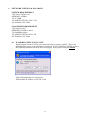
3. DDNS registered successfully, now log by
http://<username>.ddns.camddns.com: Registered successfully.
4. Updating Failed, the name is already registered.
5. Updating Failed, please check your internet connection.
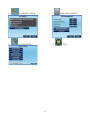
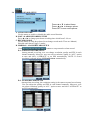
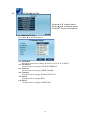
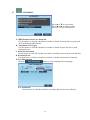
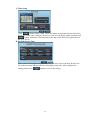
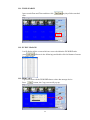
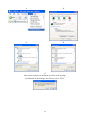
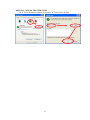
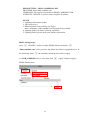
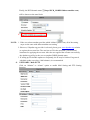
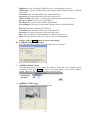
DDNS Setting Steps:
Press ○
1 “ENABLE” option to enable DDNS function and select ○
2
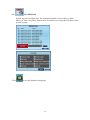
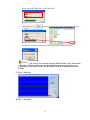
“ddns.camddns.com” of the provider drop down list which is suggested to use. In
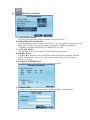
the following, insert ○
3 the username which the user wants to apply
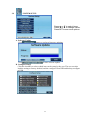
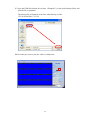
(i.e. DVR_GODDNS in here). After that, click ○
4 “Apply” button to apply a
DDNS domain name.
1.
2.
3.
4.
62