1
CH.10
MAN0924-01-EN
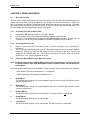
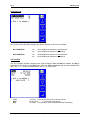
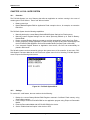
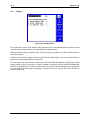
View I/O Slots
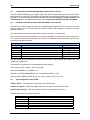
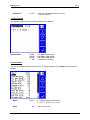
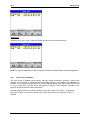
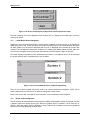
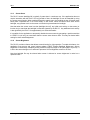
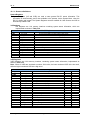
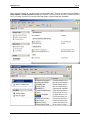
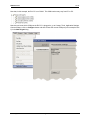
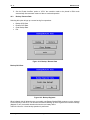
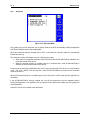
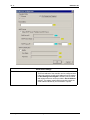
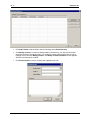
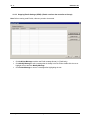
The View I/O Slots sub menu displays 6 System Settings, only one of which is editable.
Slot
Slot
Slot
Slot
1:
2:
3:
4:
I/O:
I/O:
I/O:
I/O:
Base Selected:
Base Online?
FOX100
ETN300
Empty
Empty
CPU
Main
2-7
Yes
No
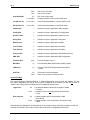
= FOX100 has been configured through Cscape*
= ETN300 has been configured through Cscape
= N/A
= N/A
= I/O on the CPU Base
= I/O on the Main Base (Smart Stack)
= I/O on the remote base (FOX hub / base)*
= Indicates no problems with fiber cables
= Indicates a problem with fiber cables
* FOX is not active in this product
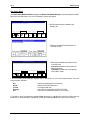
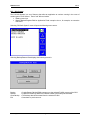
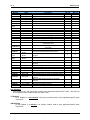
View Protocols
February 8, 2010
Page 50 of 124
# 1018