1
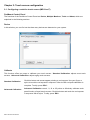
2.2 Configuring a projected capacitive touch screen (IMD-CxxxPT)
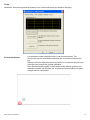
eGalaxTouch Control Panel
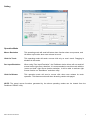
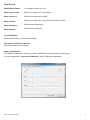
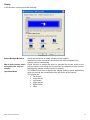
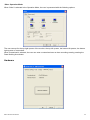
The functions of the PenMount Control Panel are General. Setting, Tools, Display, Hardware and About,
which are explained in the following sections.
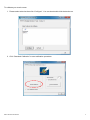
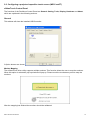
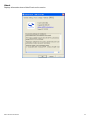
General
This window will show the installed USB Controller.
3 Option buttons are shown:
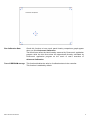
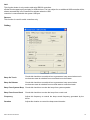
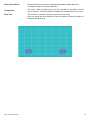
Monitor Mapping
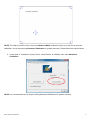
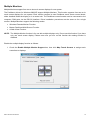
The eGalaxTouch driver utility supports multiple monitors. This function allows the user to map the monitors.
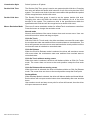
When this option is selected a pop-up window will pop-up. Please touch the touchscreen panel to map the
monitors.
After the mapping has finished the monitors should be calibrated.
IMD-C-Series User Manual
15