1
Updating Firmware
To update the firmware in Web Interface units that have firmware version 2.0 or higher, visit the Burk Technology
firmware download page at http://www.burk.com/support/downloads_arcwifirmware.html. Select the file to
download and save it to your computer.
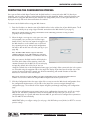
After downloading the new firmware file to your PC, log in to the Web Interface and click on the Configuration
link. Navigate to the Update Firmware tab and click the Browse button below to select the file for upload. Then
click the Upload button to load the firmware to your Web Interface. It may take several minutes for the process
to complete. The Web Interface will automatically restart when finished.
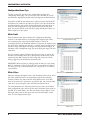
To see verify the firmware version in the Web Interface, click on the Configuration Link and navigate to the
configuration Home Page. Follow the link for "View System Info" to see which firmware version is loaded.
Note: If your system has firmware version 1.x, please send email to [email protected] for upgrade information.
CUSTOMER SUPPORT: 978-486-3711 • [email protected] • www.burk.com
17