1
26
Tutorial
WORKING WITH THE STRIP BOARD
Now that the cast member’s ID numbers are set, you can begin
to manipulate the schedule. In a manner keeping with industry
practice, when you view and work with the schedule in Movie
Magic, you are working with some form of Strip Board.
Viewing the Strip Board
Before you can work with a Strip Board, you have to be able
to see it.
M
This bears
repeating: If you
delete a strip, you
also delete the
associated breakdown sheet. The
reverse is also true.
•
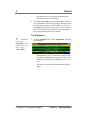
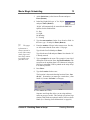
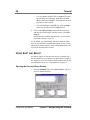
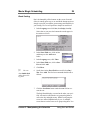
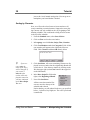
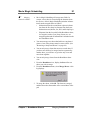
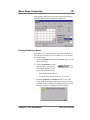
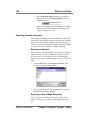
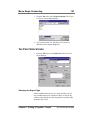
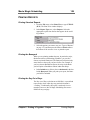
From the Schedule menu, select Strip Board. The Strip
Board will display in the thin horizontal strip view.
Each strip you see represents one breakdown sheet. It is
important to think of strips and breakdown sheets as being
one and the same. The strip is simply a different, compressed view of the breakdown sheet, so that if you delete
a strip, you are also deleting that breakdown sheet, and
vice versa.
Understanding the Strip Board Views
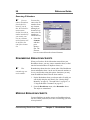
Contents of a Strip
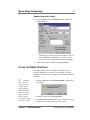
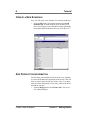
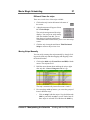
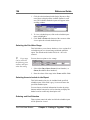
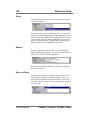
When you first see them, the strips are listed horizontally, in
breakdown sheet order, starting with the first sheet number
and continuing to the last. Each strip displays the breakdown
sheet number, the scene number(s), interior/exterior, the set,
day/night, the page count and the ID numbers of all the cast
members in that scene.
Color of a Strip
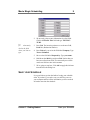
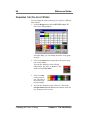
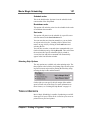
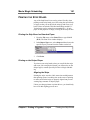
The default colors of the strips instantly tell you whether a
scene is interior/exterior and day/night. You can change these
colors. (See “Changing the Color of Strips” on page 94.)
White - interior day
Yellow -exterior day
Blue - interior night
Green - exterior night
Working with the Strip Board
Lesson 3 - Manipulating the Schedule