1
Shipping Details (Change Location)
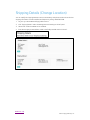
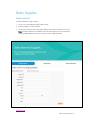
You can modify the shipping attention name, suite/mailstop, and phone number online. All other
shipping information must be modified via telephone by calling 1-800-599-2198.
1.
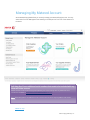
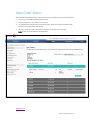
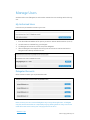
Log in to your Xerox Metered Supply Web account.
2.
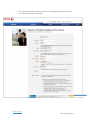
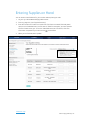
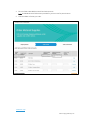
Click “Shipping Details” under the Manage Account heading on the left panel.
3.
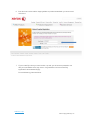
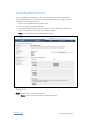
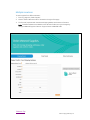
Select “Edit” under the address to be modified.
4.
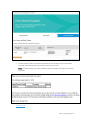
Enter the changes you would like to make in the fields provided and click “submit”.
Return to Top
Metered Supply Web Pages 15