1
4
Getting Started
1.1
Launching the SPARTAN code
Upon starting MATLAB, the user should select the SPARTAN code directory as a working directory. Then, in the line command, one can type one of
the two following instructions to start the SPARTAN code:
>> SPARTAN
or
>> SPARTAN_noGUI
The first command launches the graphical user interface (GUI) of the code,
whereas the second command launches the application directly, without using
the GUI.
1.1.1
Running the Graphical User Interface (GUI) of the
SPARTAN code
This section will focus on the SPARTAN GUI, which provides a useful interface allowing the main calculation parameters to bet set and calculations to
be launched without major efforts.
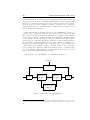
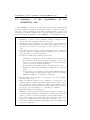
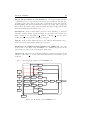
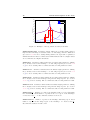
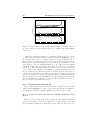
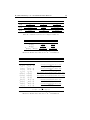
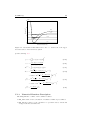
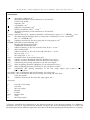
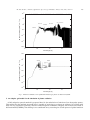
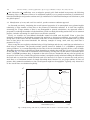
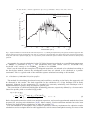
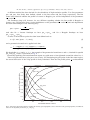
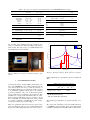
Upon launching the application, the GUI window is opened (see Fig. 1.1).
Figure 1.1: Graphical User Interface of the SPARTAN Code
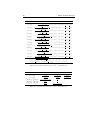
The interface provides the following items which can be defined by the user: