1
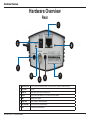
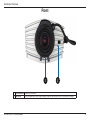
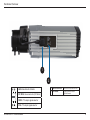
Hardware Overview
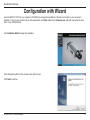
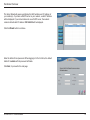
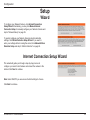
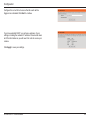
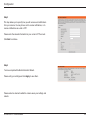
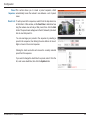
The Setup Wizard will appear and display the MAC address and IP address of
your camera(s). If you have a DHCP server on your network, a valid IP Address
will be displayed. If your network does not use a DHCP server, the network
camera's default static IP address 192.168.0.20 will be displayed.
Click the Wizard button to continue.
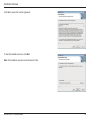
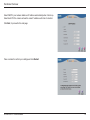
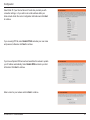
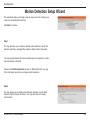
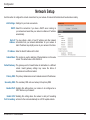
Enter the Admin ID and password. When logging in for the first time, the default
Admin ID is admin with the password left blank.
Click Next, to proceed to the next page.
D-Link DCS-3714 User Manual
14