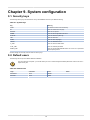
1
Running WombatDialer
4.4.1. Exporting campaign lists
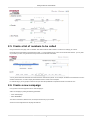
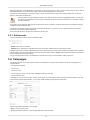
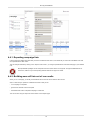
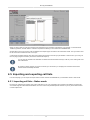
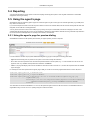
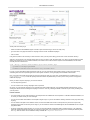
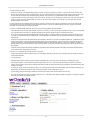
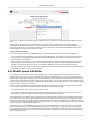
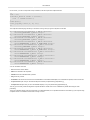
Looking at the list of dialed calls interactively is useful to undertsnad what went on, but sometimes you want to save the details of all calls
into a spreadsheet for later review.
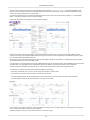
This can easily be obtained by clicking on the "Export to CSV" button - you will get a spreadsheet of all the calls belonging to your selected
runs.
Most spreadsheet packages cannot manipulate more than 50,000 records in a single file. Though WombatDialer will not
enforce this, make sure you avoid exporting data files that are too large to be usable.
4.4.2. Building new call lists out of run results
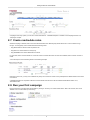
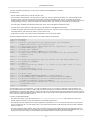
When you run a campaign, you usually set reschedule rules so that call can be retried in case of errors.
Still, it is often handy to operate on a different time-scale so that you can:
• run a campaign to completion
• get the set of calls that would not complete
• reschedule those calls as a separate campaign at a later time
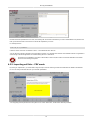
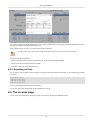
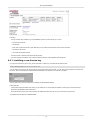
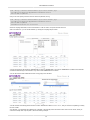
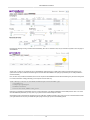
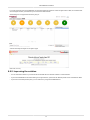
This can be done using the "Export to new list" button on the Reports page.
30