1
Use
3.5 Using the oven
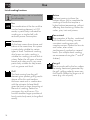
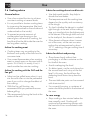
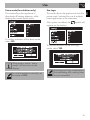
First use
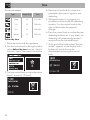
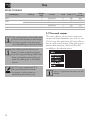
On the first use, or after a power failure,
will be flashing on the appliance's
display. In order to be able to start any
cooking program, the current time must be
set (if the oven is being turned on for the first
time, it is also recommended you set the
required language).
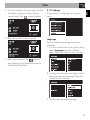
Press the control knob to enter the settings
menu, see “3.10 Settings”.
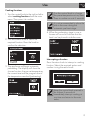
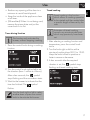
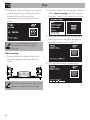
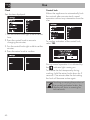
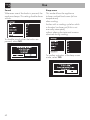
Favourites
Press the return knob from the clock screen
to display the last preset programs or
personal recipes used.
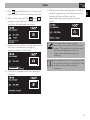
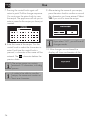
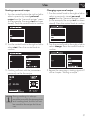
Deleting favourites
If you wish to delete the favourites:
1. Press the return knob from the clock
screen to display the last preset
programs or personal recipes used.
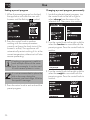
2. Hold the control knob down for a few
seconds.
The appliance language is set to
“English” by default.
When first connecting or after the
power has been cut for a time it
will be necessary to wait a few
seconds before you can interact
with the appliance.
12
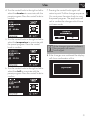
3. Select YES if you wish to delete the
favourites.