1
Use
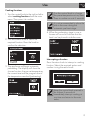
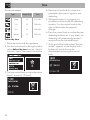
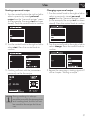
4. At the end of the cooking time “function
ended” appears on the display and a
buzzer will sound that can be
deactivated by pressing the control
knob.
Modifying the data set during timed
cooking
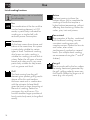
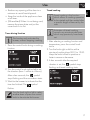
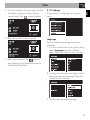
During operation, it is possible to modify
timed cooking duration:
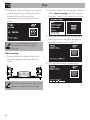
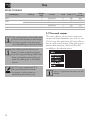
1. When the symbol
is steady and the
appliance is cooking, press the control
knob. The symbol
starts flashing.
2. Turn the control knob right or left to alter
the preset cooking time.
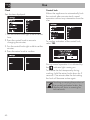
Delayed cooking
Turn the control knob to add some
minutes of cooking time.
To extend the cooking time
manually, press the control knob
again. The appliance will resume
its normal operation with the
previously selected cooking
settings.
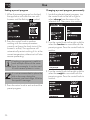
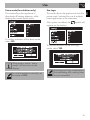
Delayed cooking is the function
which allows a cooking operation
to be stopped at an established
time depending on the time set by
the user, after which the oven will
switch off automatically.
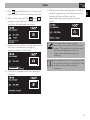
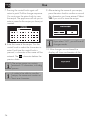
1. After selecting a function and a cooking
temperature, press the control knob to set
the cooking time.
To turn off the appliance see
“ Interrupting a function”.
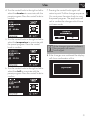
2. Press the control knob before the
symbol stops flashing to set the cooking
end time.
18