1
6.2 Slide show
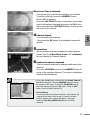
You can see each Image File one by one.
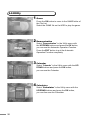
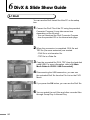
1Copy Image Files (JPG, BMP) from the PC using
USB. For more information, refer to [4. Main Menu Guide-4.4 PVR-5. USB Connection].
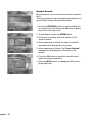
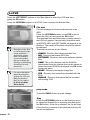
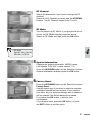
2You can see Image Files from the File List on the
Menu List.
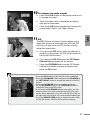
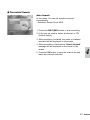
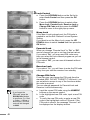
3If you want to use an image as a background
image while playing Radio Channel of MP3 File, press the OK button to convert the selected image as the background image.
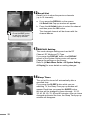
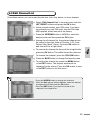
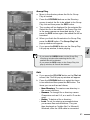
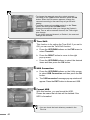
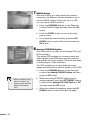
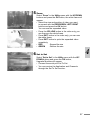
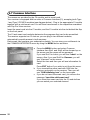
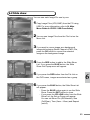
4Press the RED button to add to the Slide Show
List. If you press the BLUE button, the Slide Show List Popup menu will appear.
6
5If you press the RED button from the File List on
the PVR menu, images are selected as a group.
6
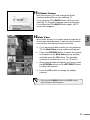
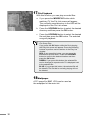
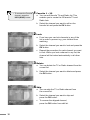
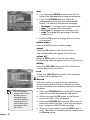
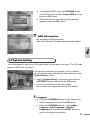
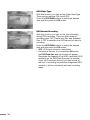
If you press the BLUE button, the Slide Show List
will appear.
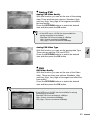
- Press the BLUE button again to run the Slide Show. Press the EXIT button to close.
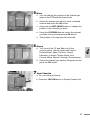
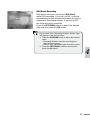
- If you press the YELLOW button from the Slide Show List, the Set up Popup will appear. You can set Show File (All/Selected), Size (Full/Rear), Time (2sec.~10sec) and Repeat (on/off).
65