1
Password
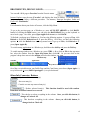
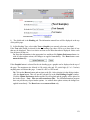
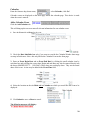
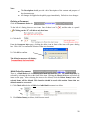
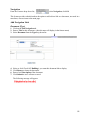
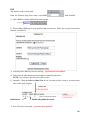
If you want to change your password, use this tab to change the password for access to your
COMcenter.
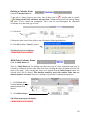
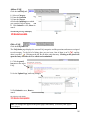
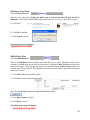
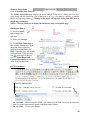
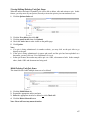
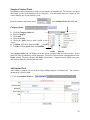
1. Enter your Current Password in the Current Password field
2. Enter a New Password in the New Password field
3. Enter your New Password again in the “Confirm” field
4. Click the Update Preferences button
Your District or Building Administrator will not be able to tell you what your password is if you
forget it. They will have to reset it.
Current
Password
New Password
Update
Preferences
Click Reset to reset unsaved data
Confirm
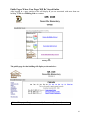
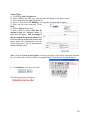
Hit Counter (Displays current calendar year only)
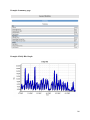
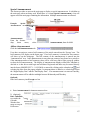
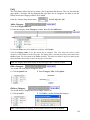
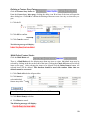
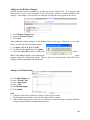
This tab displays user hits by summary and graphs for your public page by day, hour, week and
month. It displays statistical summaries and graphs for pages visited, including the most popular
pages visited. This displays user hits by browser type and most used browser type along with
platform type and most used platform.
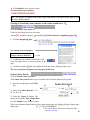
1.
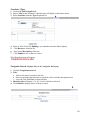
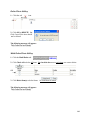
Click the Hit Counter tab.
2.
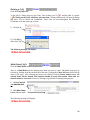
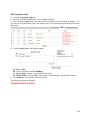
Scroll down the Hit Counter page to view all statistical information and graphs.
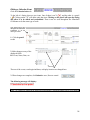
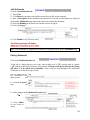
3. Click the Print Friendly Hit Counter link to print pages without the following top heading:
15