1
MICROACTIVITY – REFERENCE
User Manual
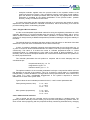
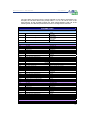
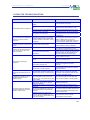
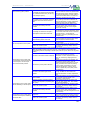
P1
I1
D1
Pbb
Proportional Band
Integral time
Derivative time
Manual reset
MD
Control mode
MH1
ML1
SLH
SLL
MV1
E1H
Upper limit of the output control
Lower limit of the output control
Set value’s upper limit
Set value’s lower limit
Output control % (in manual mode)
Alarm higher limit
M1C
Output control
M1O
Activate/Deactivate Heat
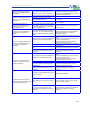
Proportional Band
Integral time
Derivative time
0-100%
0 Automatic
1 Manual
0-100%
0-100%
Set value’s upper limit
Set value’s lower limit
0-100%
Alarm higher limit (ºC)
HEAT
0-100%
1 Activate
0 Deactivate
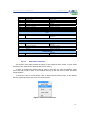
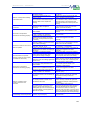
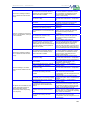
MASS FLOW CONTROLLERS
MF#
Set point for gas nº #
Gas flow in ml/min
PUMP
R
Turn on or off the pump
C
Set point for the pump
Z
“Rezero”
1 Turn on
0 Turn off
Liquids flow, in ml/min
SCALE
1 Set zero in the scale
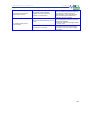
CHROMATOGRAPH
XON
Chromatography cycle
XT0
Time for chromatograpy cycle
1 Activated
0 Deactivated
Time between two analysis
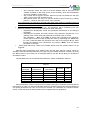
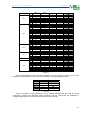
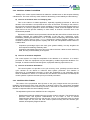
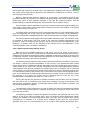
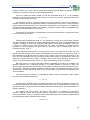
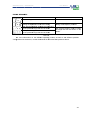
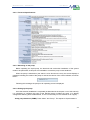
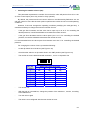
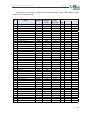
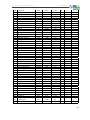
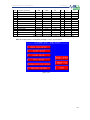
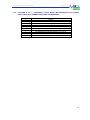
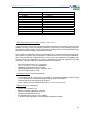
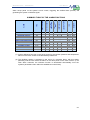
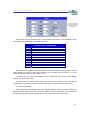
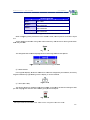
Table 5-6. Values of the parameters
5.3.4.2.
How to Save a Session
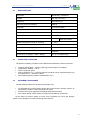
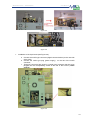
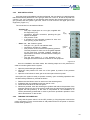
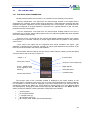
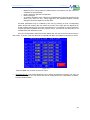
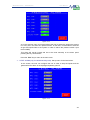
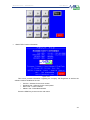
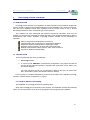
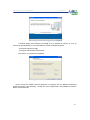
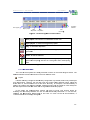
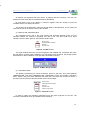
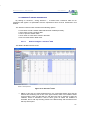
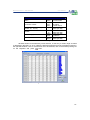
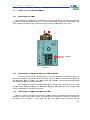
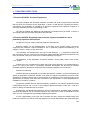
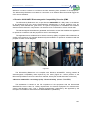
The session menu table provides the option to save sessions (Save Table), to open saved
sessions (Load Table) and to delete all data (Clean Table.)
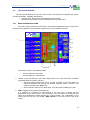
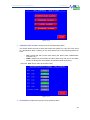
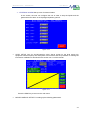
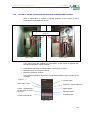
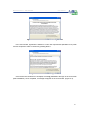
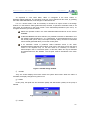
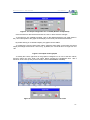
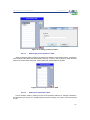
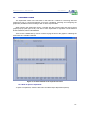
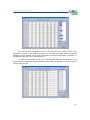
To save an experiment’s session table in order to use it later on, open the Sessions’ Table
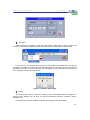
menu and click on Save Table. A new window will pop up with the name of other previously
saved sessions’.
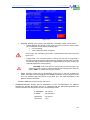
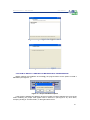
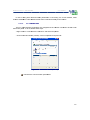
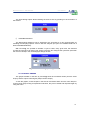
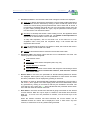
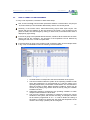
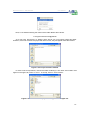
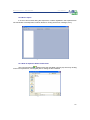
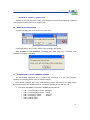
To choose a name for a new session, click on New File and choose Accept. A new window
will then appear where the new name can be introduced
.
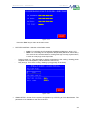
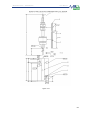
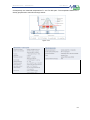
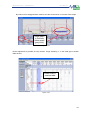
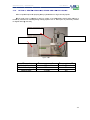
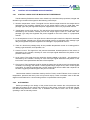
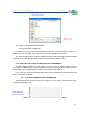
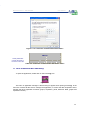
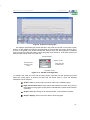
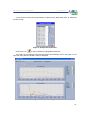
Figure 5- 36 Session table menu
117