1
MICROACTIVITY – REFERENCE
User Manual
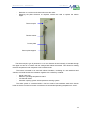
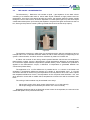
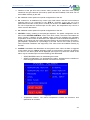
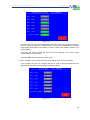
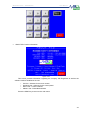
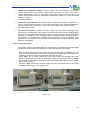
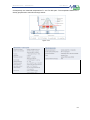
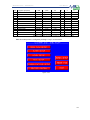
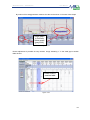
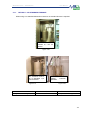
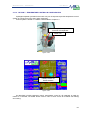
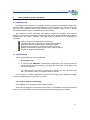
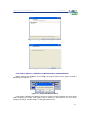
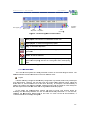
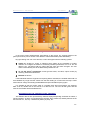
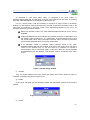
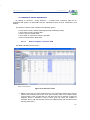
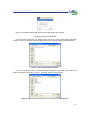
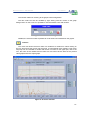
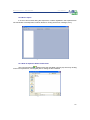
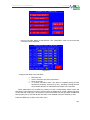
Figure 5- 42 File menu
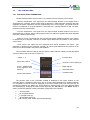
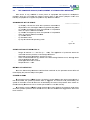
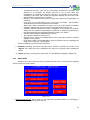
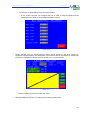
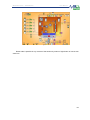
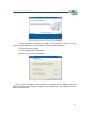
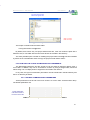
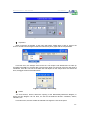
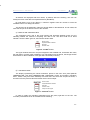
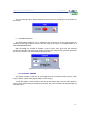
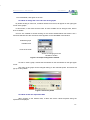
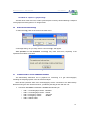
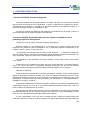
Next, a new window showing the content of the folder Plants will be shown.
C:\Program Files\Process@\Plants\
As it has been said before, by default, there will be only one Project inside this folder.
However, if the user renames the project with other names, they will appear inside this window.
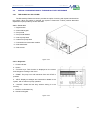
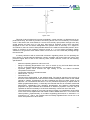
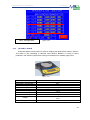
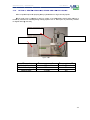
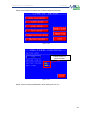
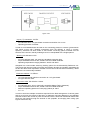
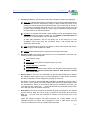
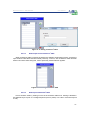
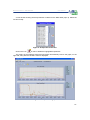
Figure 5- 43. Project selection window
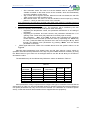
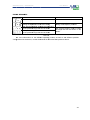
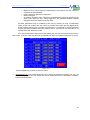
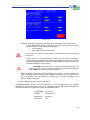
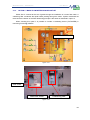
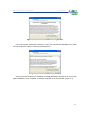
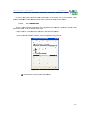
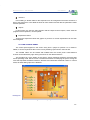
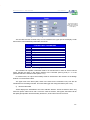
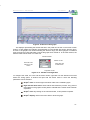
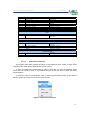
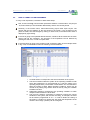
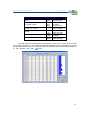
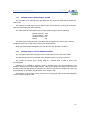
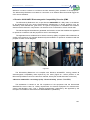
In order to see an experiment, choose the folder containing it. The name of this folder must
appear in the upper cell, next to “Look in”. To accept, click on “Current folder”.
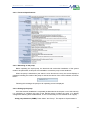
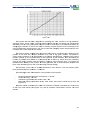
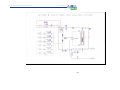
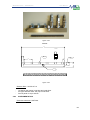
Figure 5- 44 The name of the project must appear on the upper cell
123