1
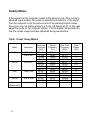
OSD Functions
Accessing the menu system
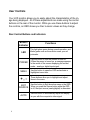
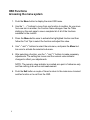
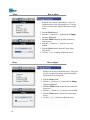
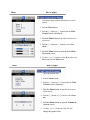
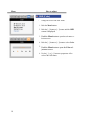
1. Push the Menu button to display the main OSD menu.
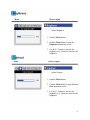
2. Use the "– , +" buttons to move from one function to another. As you move
from one icon to another, the Function Name changes. See the Table
starting on the next page to view a complete list of all of the functions
available for the monitor.
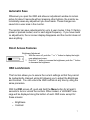
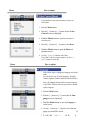
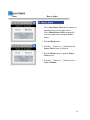
3. Press the Menu button once to activate the highlighted function and then
follow the Tool Tips to select the function and adjust the value.
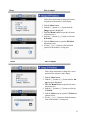
4. Use "–" and "+" buttons to select the sub-menu, and press the Menu button once to activate the selected sub-menu.
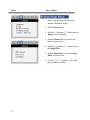
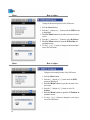
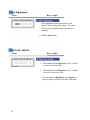
5. After selecting a function, use the "–" and "+" buttons to make necessary
adjustments. The setting bar moves and the numeric value indicator
changes to reflect your adjustments.
NOTE: The numeric value indicator is provided as a point of reference only
and has nothing to do with a real measurement.
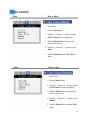
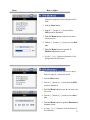
6. Push the Exit button a couple of times to return to the main menu to select
another function or to exit from the OSD.
8