1
2.10 Serial Port Configuration
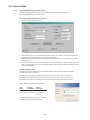
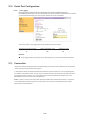
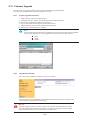
Under the Serial Port heading, click Configuration will show the list of port summary as below.
2.10.1
Port Authentication
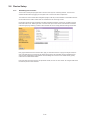
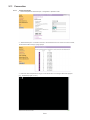
Authentication is the process of identifying an individual, usually based on a username and password. The IP
serial console supports various authentication options, such as Local, RADIUS, to authenticate the users who
access the serial port.
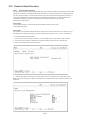
When the authentication is set to Local, the IP serial console will use its own user list to authenticate a user. If
configured otherwise, the IPCS will request authentication from the external authentication servers (i.e. RADIUS)
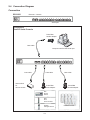
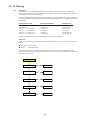
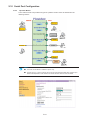
Figure below shows conceptually the user authentication process when using an external authentication server.
2.10.2
Port Enable / Disable
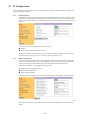
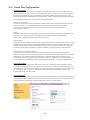
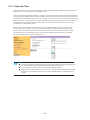
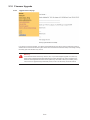
Each serial port can be enabled or disabled. A disabled serial port cannot be accessed by user. User
can reset the serial port to default settings by clicking the button Set to default.
P.17