1
Vision User Manual
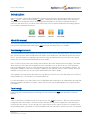
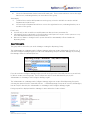
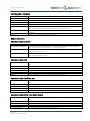
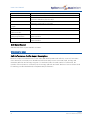
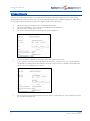
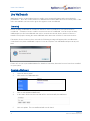
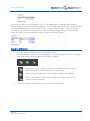
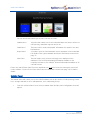
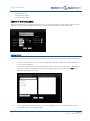
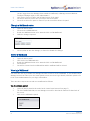
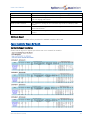
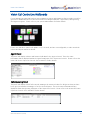
You can now decide which type of panel you wish to create.
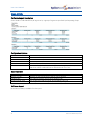
Statistic Panel
This panel will enable you to view call information such as the number of
calls queuing, maximum ring time and so on.
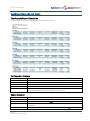
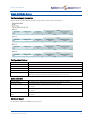
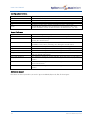
Status Panel
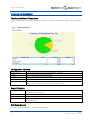
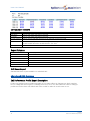
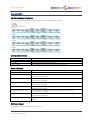
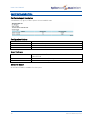
This panel can be used to display BLF information for specific Users and
Departments
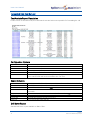
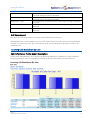
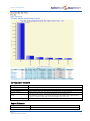
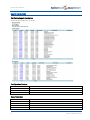
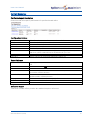
Report Panel
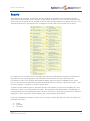
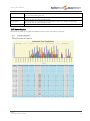
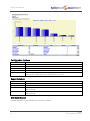
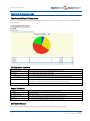
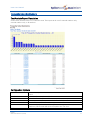
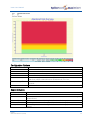
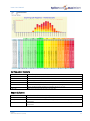
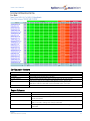
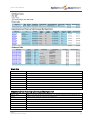
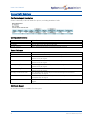
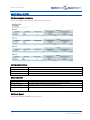
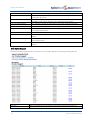
A real time report on call information can be displayed on the wall board.
Full details of the reports available are listed in the Reports section from
page 15.
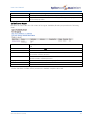
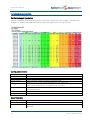
Web Panel
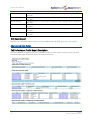
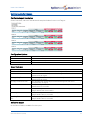
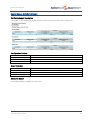
This will enable you to select a web page to be displayed on the
wallboard. This useful for displaying information available on the
company’s intranet or, for example, financial information available on an
external website
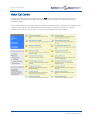
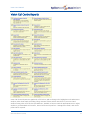
Please note that if further Panel Types are displayed your maximiser system is running the Vision Call
Centre software. Please refer to Vision Call Centre Live Wallboards section from page 131 for further
details.
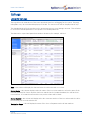
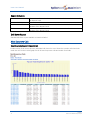
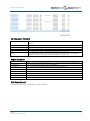
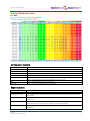
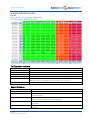
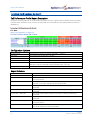
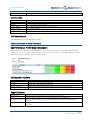
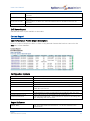
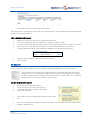
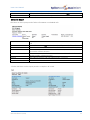
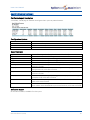
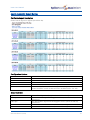
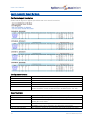
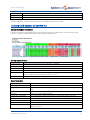
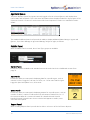
Statistic Panel
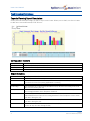
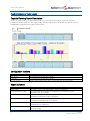
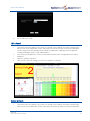
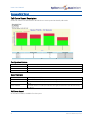
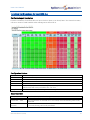
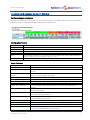
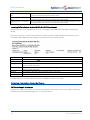
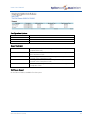
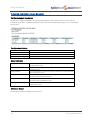
The Statistic Panel will enable you to view call information such as the number of calls queuing, busiest
User, average wait and so on for a Department, User or Reporting Group.
1
72
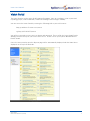
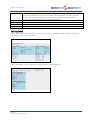
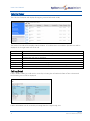
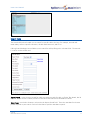
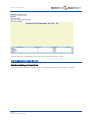
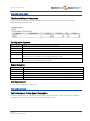
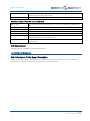
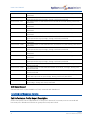
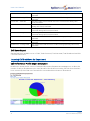
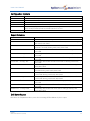
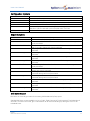
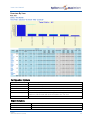
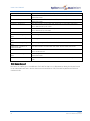
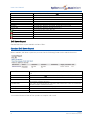
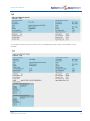
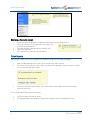
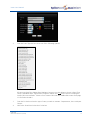
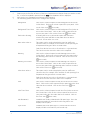
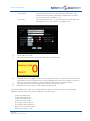
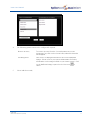
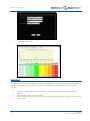
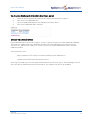
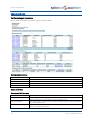
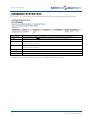
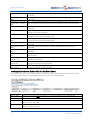
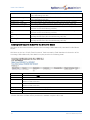
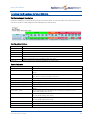
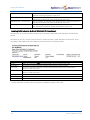
From the Add New Panel screen click on Statistic Panel and the panel configuration form will
appear
Wallboards
Vision User Manual v1.4/1212/6