1
USER MANUAL
Configuration
6. User Functions
STEP 1
Description
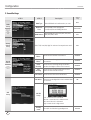
2-3. Converting Image files
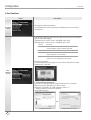
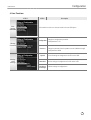
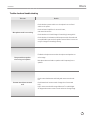
(1) Start TJ Media_Encoder and click [Image].
(2) Click [File Add] to load an image file that you want to convert.
▶
User
Contents
Setup
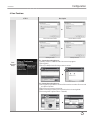
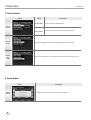
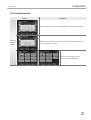
(3) Click [Option] to save as an another file name and or in different location. You
can also spin the direction of the image.
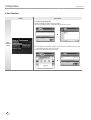
(4) Click [Convert] to execute converting.
▶
20