1
WEB Interface V3
PPPoE
User Manual
4.2.3
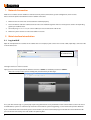
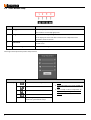
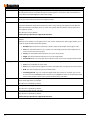
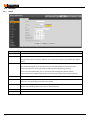
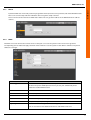
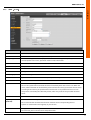
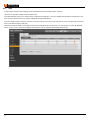
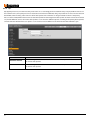
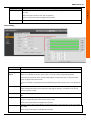
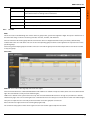
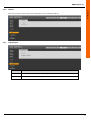
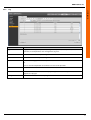
Input the PPPoE user name and password you get from the IPS (internet service provider) and enable PPPoE function.
Please save current setup and then reboot the device to get the setup activated.
Device connects to the internet via PPPoE after reboot. You can get the IP address in the WAN from the IP address
column.
4.2.4
DDNS
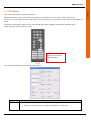
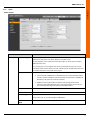
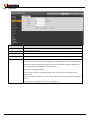
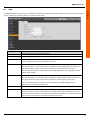
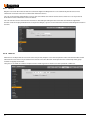
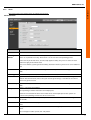
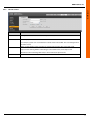
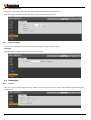
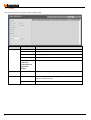
The DDNS is to set to connect the various servers so that you can access the system via the server. Please go to the
corresponding service website to apply a domain name and then access the system via the domain. It works even your IP
address has changes.
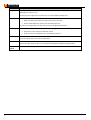
Parameter
Function
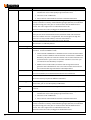
Server Type
You can select DDNS protocol from the dropdown list and then enable DDNS
function. The private DDNS protocol means you use your self-defined private
protocol to realize DDNS function.
Server IP
DDNS server IP address
Server Port
DDNS server port.
Domain Name
Your self-defined domain name.
User
The user name you input to log in the server.
Password
The password you input to log in the server.
Update period
Device sends out alive signal to the server regularly.
You can set interval value between the device and DDNS server here.
21