1
PG4UWMC
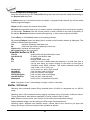
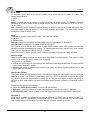
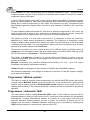
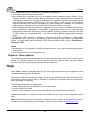
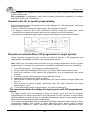
Button Stop ALL
Button is used to stop currently running device operations on all connected Programmer Sites.
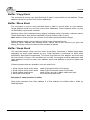
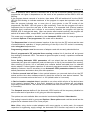
Button Help
Button is used to display this help.
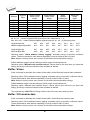
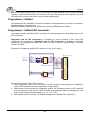
Button Start remote control of BeeHive204AP/BeeProg2AP
The button is available for automated programmers only and if in PG4UWMC Settings
dialog/Multiprogramming/Project options is checked Use Site #1 project for all Sites. It is
used to start remote control of PG4UWMC interface. The programmer in button caption is
replaced by name of recently used connected programmer.
Option activates modules detection according to loaded projects on sites.
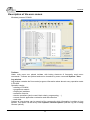
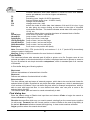
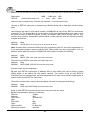
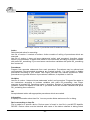
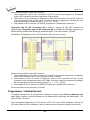
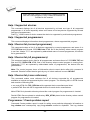
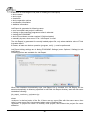
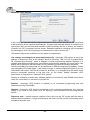
PG4UWMC Settings dialog
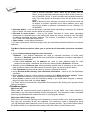
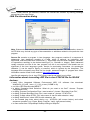
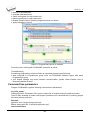
PG4UWMC Settings dialog is used to set or display following options:
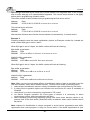
table containing information / settings for Programmer Sites: Site numbers, Site serial
numbers, Site associated Project files
checkbox Use one common project for all Sites
checkbox Auto-connect sites settings
checkbox Force gang multiprogramming mode
panel Log file settings
panel Job Report settings
panel Automatic YES! Settings
panel Other
panel Multiprogramming
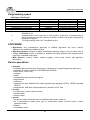
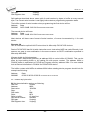
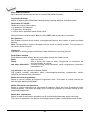
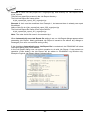
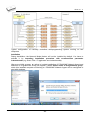
On the top of PG4UWMC Control panel is table which contains three columns:
column Sites contains checkboxes with Site numbers #1, #2, #3, #4 used to enable/disable
using individual Programmer Site with specified Site number
column Serial number contains information about serial numbers for Programmer Sites
143