1
Integrating OTM with Optivity NMS
5
219
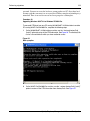
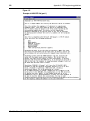
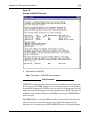
Run LNMSHOME\bin\oitinstall -u <full path of OTM OIT file> for every .oit file in the
OTM directory, where -u indicates to upgrade Optivity NMS. If you do not specify the
-u parameter, only a syntax check is performed on the OIT file.
This command updates the Optivity NMS database with the new definitions.
6
Proceed with OTM installation, checking for prerequisites (IIS, for instance) as
always.
End of Procedure
About oitInstall
Optivity NMS includes a program, oitInstall, that extracts the information that Optivity
NMS needs for new device application support.
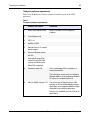
This information includes:
•
database schema definitions
•
MIB information
•
trap information
•
device management application launch points from within Optivity NMS
applications
•
device discovery information
OIT definitions for OTM reside in $OITHOME\OTM\otm.oit. It also contains the file
rfc1213.mib.
The $OITHOME environment variable is typically C:\Optivity\oit on Windows
systems, and /usr/oit on UNIX.
What you do
OIT definitions are updated into Optivity NMS by manually placing the OIT files into
the appropriate directories and starting oitInstall from the command line.
For OTM, you must manually add the OTM server.
What OIT does
The oitInstall program does the following:
•
Automatically stops and restarts all Optivity NMS daemons (UNIX) or services
(Windows).
Optivity Telephony Manager Installation and Configuration


































![[MANUAL] GuardNVR Installation Manual 4.4.0.0](http://vs1.manualzilla.com/store/data/005799040_1-22ffd5d438f0b0c95843f8ff9431bc2d-150x150.png)