1
Configuring the web browser client
214
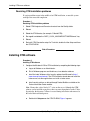
Accessing the OTM server Web using the PC client
Procedure 42
Accessing the OTM server Web using the PC client
1
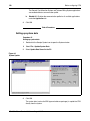
Enter the OTM server IP address or computer name in the location bar of the web
browser on the PC client.
2
Press Enter.
End of Procedure
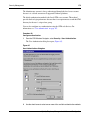
Software plug-in
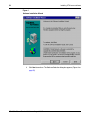
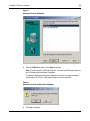
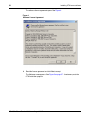
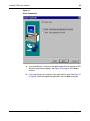
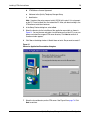
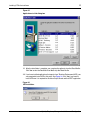
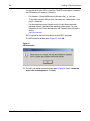
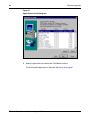
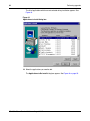
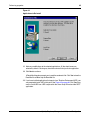
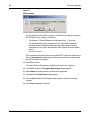
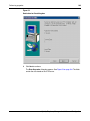
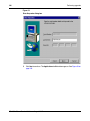
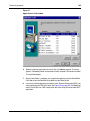
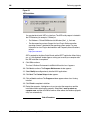
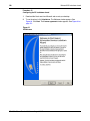
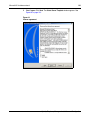
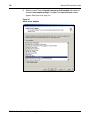
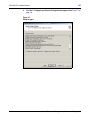
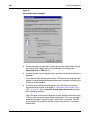
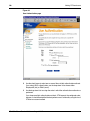
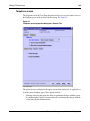
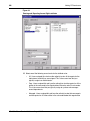
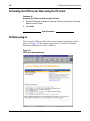
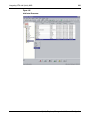
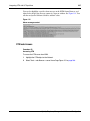
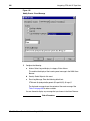
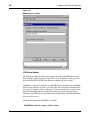
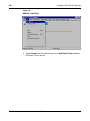
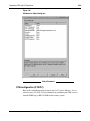
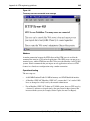
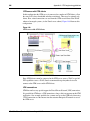
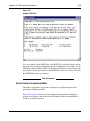
The first time the OTM server Web loads, you are prompted to download a software
plug-in. See Figure 104. The software you download is a standard Java Runtime
Environment (JRE) plug-in of about 7-8 MB size.
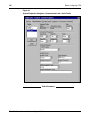
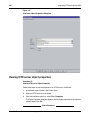
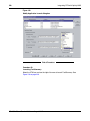
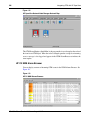
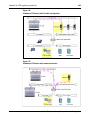
Figure 104
JRE Plug-in download prompt
553-3001-230
Standard 3.00
August 2005































![[MANUAL] GuardNVR Installation Manual 4.4.0.0](http://vs1.manualzilla.com/store/data/005799040_1-22ffd5d438f0b0c95843f8ff9431bc2d-150x150.png)