1
SHORT FORM CALIBRATION
Short Form Calibration
The Short Form Setup & Calibration procedure allows you to change “SETUP”
and “CAL” numbers of indicator.
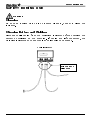
Do not attempt to calibrate scale if indicator is not reading stable weights.
Calibration procedure will not fix instability, inconsistencies, or flashing
"RANGE" messages.
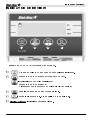
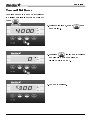
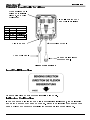
Obtain Current Set-up and Calibration Number
Write down current SETUP and CAL
numbers of your EZ 400 indicator.
These numbers are displayed during
Self Test.
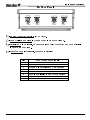
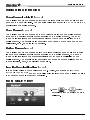
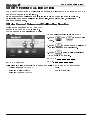
To run self test with indicator ON:
1. Press
then
to start Self
Test.
1
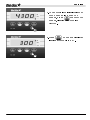
2. Press
to “pause” the Self-Test
while numbers are displayed.
3. Press
again to allow self-test
to complete normally.
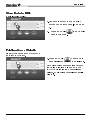
SETUP # _______________
CAL # ________________
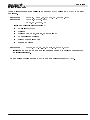
SETUP NUMBER
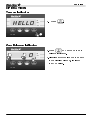
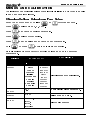
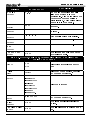
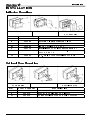
Following is a list of functions that are controlled by the “SETUP” number:
Weigh Method (
)
Gain
Display Units (
)
Scale Capacity
Display Counts (
)
3
2
1
W MTHD
LB-KG
COUNT
D3655-US Rev E
EZ400 User’s Manual
17