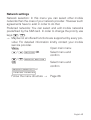
1
 Change password Change passwords/
PIN
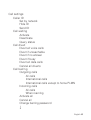
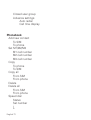
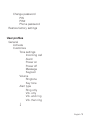
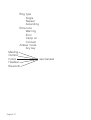
Follow the menu structure → Page 66.
Tips
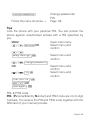
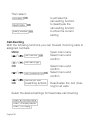
Lock the phone with your personal PIN. You can protect the
phone against unauthorised access with a PIN specified by
you.
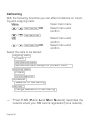
Menu Open main menu
Settings OK
/
Select menu and
confirm
/
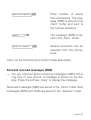
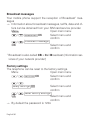
Safety settings OK
Select menu and
confirm
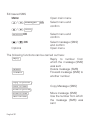
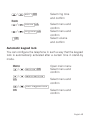
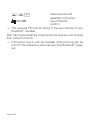
Change password
/
OK
Select menu and
confirm
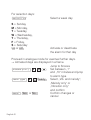
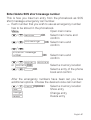
PIN OK /
Select menu and
confirm
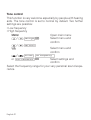
Enter old PIN OK
New PIN OK
Input again OK
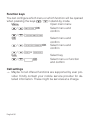
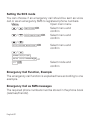
PIN- & PIN2 code
PIN- (Personal Identity Number) and PIN2 code are 4 to 8-digit
numbers. You receive the PIN and PIN2 code together with the
SIM card of your internet provider.
English 45