1
−
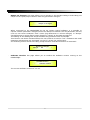
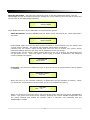
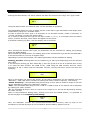
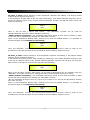
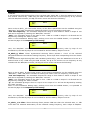
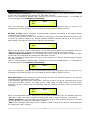
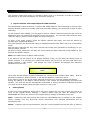
User Password: from the “User Password” sub-menu:
-Press “ENTER”
SECURITY UTILITY
User Password
to access the “User Password” page:
User Password
[
]
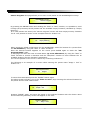
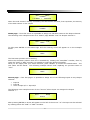
Using the PM2 or PM3 encoders to choose a character and the NAV/PM1” encoder to move
between available locations you can enter a 6 Character Password Name.
The current position of the cursor for the characters to be entered is shown by a “blinking
underscore”.
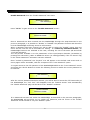
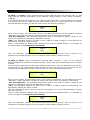
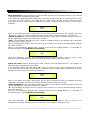
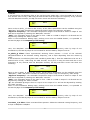
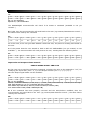
During this editing phase, the display is as follows if we were using “DPA26X” as the password:
User Password
[DPA26X]
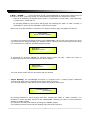
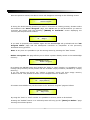
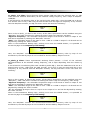
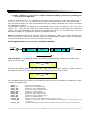
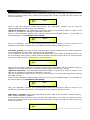
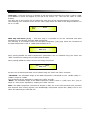
The DPA2655QR will exit the “Unit Lock” sub-menu and jump to the “User Password” submenu page screen:
--
SECURITY UTILITY
Insert Password
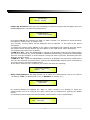
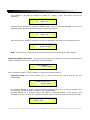
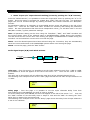
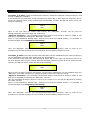
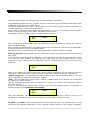
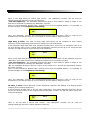
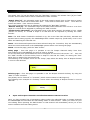
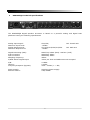
If the password entered in the “Confirm Password” page matches the one entered in the
“Enter Password” page, the following screen will appear.
Confirm Password
[DPA26X]
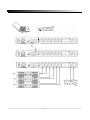
The Password is now configured and held in the device’s memory.
The user can now decide to “lock” the DPA2655QR by Password, inhibiting the
access to ALL processor functions depending on the setting of the parameter
“Password Enable/Disable, explained in the following paragraph
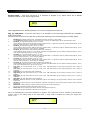
Note: originally the DPA2655QR is initialized with a default Password which value is “000000”,
value that can be anytime reset with a “Factory Reset” (see “Factory Reset” procedure)
21