1
Chapter 6 Terminal Operation
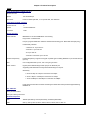
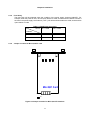
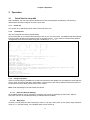
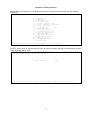
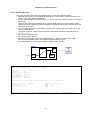
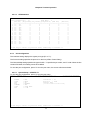
6.2.1.5. Power/Fan Status
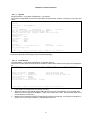
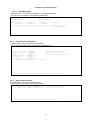
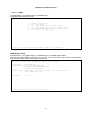
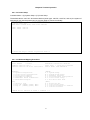
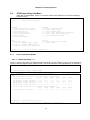
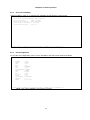
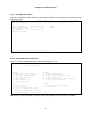
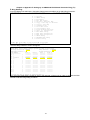
Controller Menu > (C) System Configuration > (E) Power/Fan Status
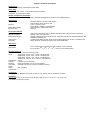
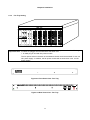
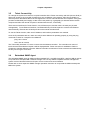
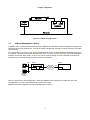
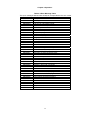
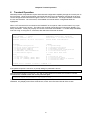
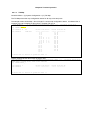
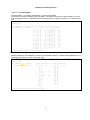
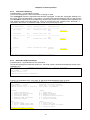
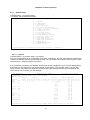
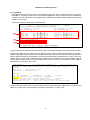
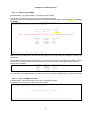
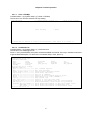
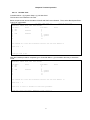
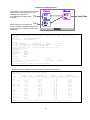
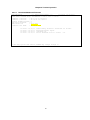
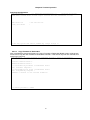
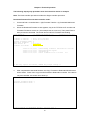
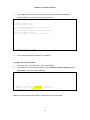
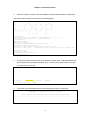
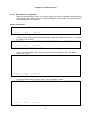
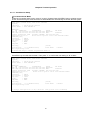
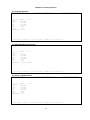
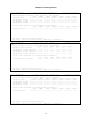
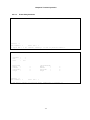
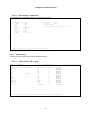
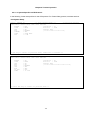
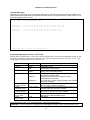
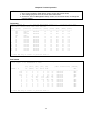
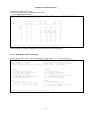
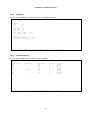
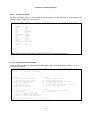
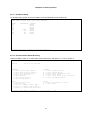
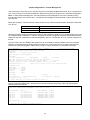
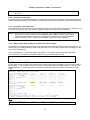
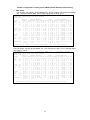
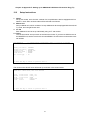
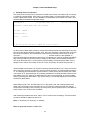
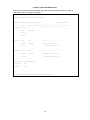
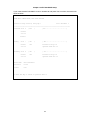
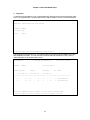
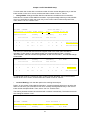
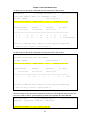
It shows the current status of power1, power2, total power consumption, fan1 and fan2.
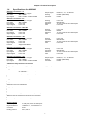
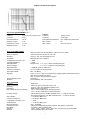
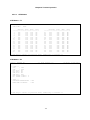
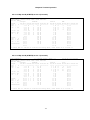
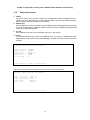
LOOP AM3440-A
=== Power/Fan Status ===
17:28:09 08/03/2011
Power 1 Status : -48V 100W DC
Power 2 Status : N/A
Total (Maximum) power consumption (Estimation) : 26W
Fan 1 Status : Good
Fan 2 Status : Good
<< ESC key to return to previous menu, SPACE bar to refresh >>
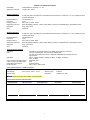
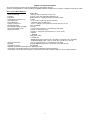
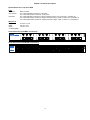
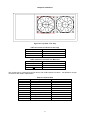
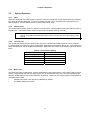
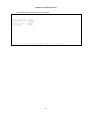
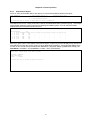
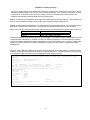
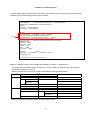
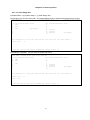
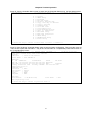
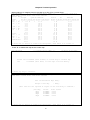
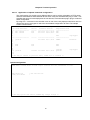
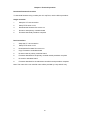
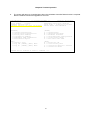
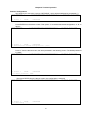
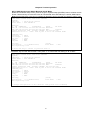
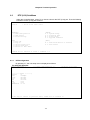
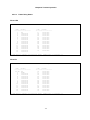
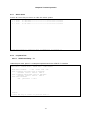
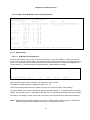
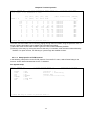
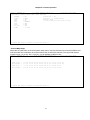
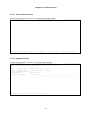
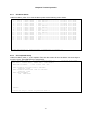
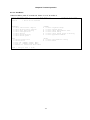
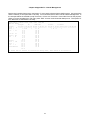
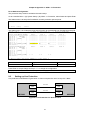
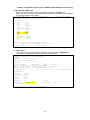
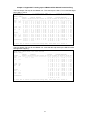
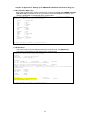
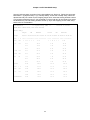
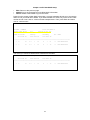
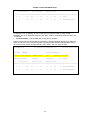
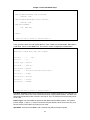
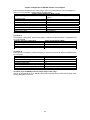
LOOP AM3440-A
=== Power/Fan Status ===
17:28:09 08/03/2011
Power 1 Status : -48V 100W DC
Power 2 Status : N/A
Total (Maximum) power consumption (Estimation) : 26W
Fan 1 Status : Fail or not exist
Fan 2 Status : Fail or not exist
<< ESC key to return to previous menu, SPACE bar to refresh >>
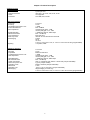
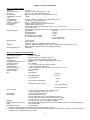
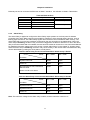
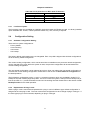
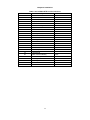
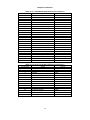
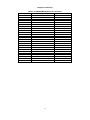
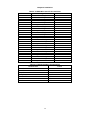
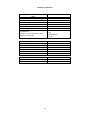
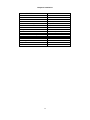
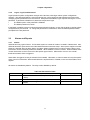
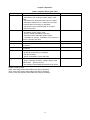
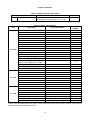
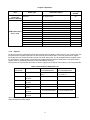
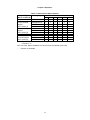
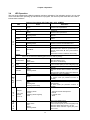
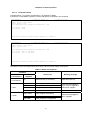
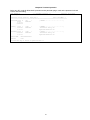
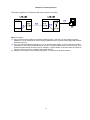
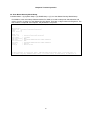
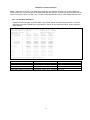
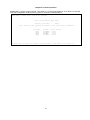
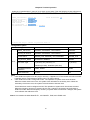
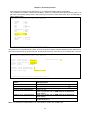
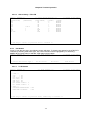
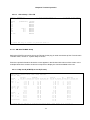
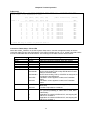
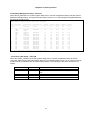
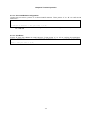
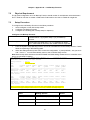
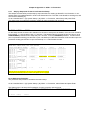
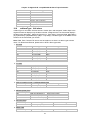
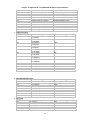
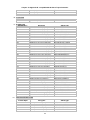
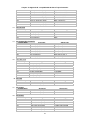
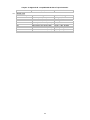
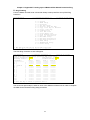
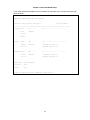
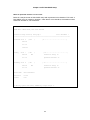
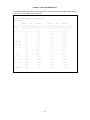
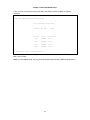
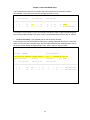
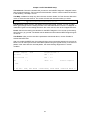
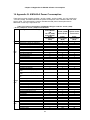
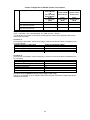
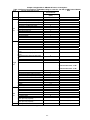
Note: Power consumption table shows below to estimate total power consumption and detect power plug-in
card status. Power consumption does not include –48V DC power supply consumption.
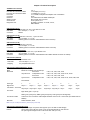
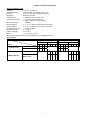
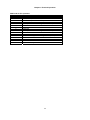
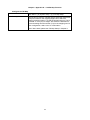
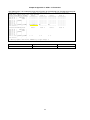
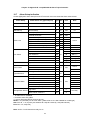
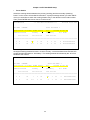
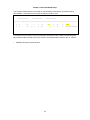
Table 6-1 Power consumption
Condition
Total Power
Consumption
>= 75W & No FAN
Any
or FAN Failure
>= 90W
>= 135W
Alarm Trap
DC Power
Supplies
Warning message
External fan tray is necessary
Please add a fan tray.
Single 100W
Power supplies over loading
Dual 100W
Power protection not supported
100W + 150W
Power protection not supported
Please remove plugged-in
plug-in cards or upgrade to
150W power supplies.
Dual 150W
Normal
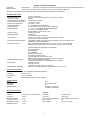
Single 150W
Power supplies over loading
100W + 150W
Dual 150W
Power protection not supported
Power protection not supported
53
Please remove plugged-in
cads or upgrade