1
Chapter 13 3E1 DS0-SNCP Setup
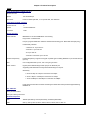
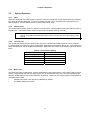
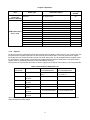
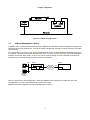
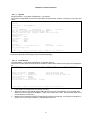
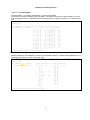
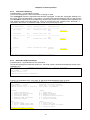
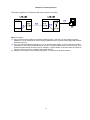
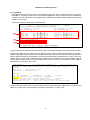
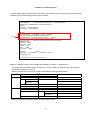
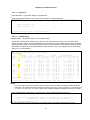
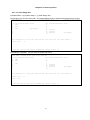
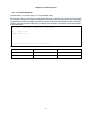
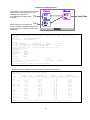
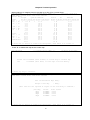
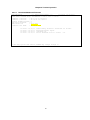
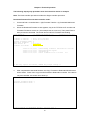
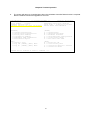
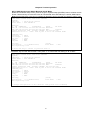
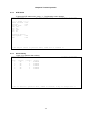
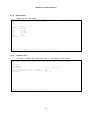
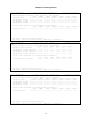
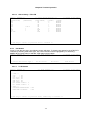
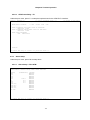
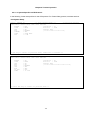
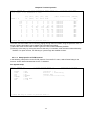
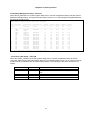
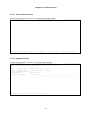
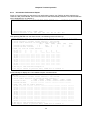
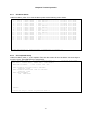
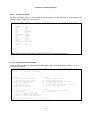
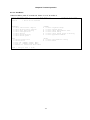
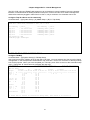
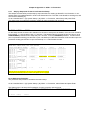
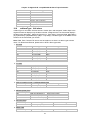
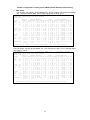
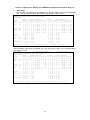
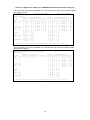
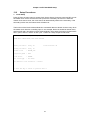
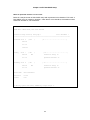
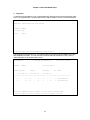
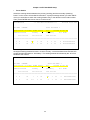
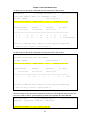
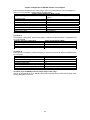
The working timeslot will then be locked in the primary slot and port, and will not switch
automatically. The locked circuit will also change its mode to “Lock”.
Index Protected
Slot Port TS
Primary
Secondary
d/v
Slot Port TS
Slot Port TS
Mode
==============================================================================
1
D
01
W 7
1
01
8
1
01
D
Lock
2
C
01
W 7
1
10
8
1
10
D
Non-revertible
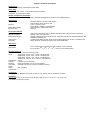
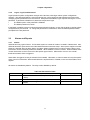
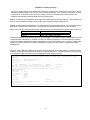
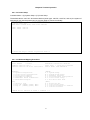
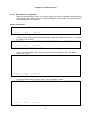
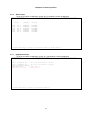
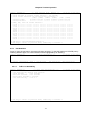
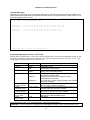
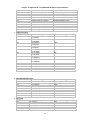
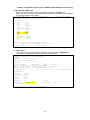
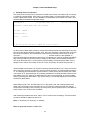
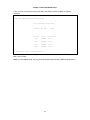
To activate “Lock on Primary” on the circuits with a continuous order of index number altogether,
key-in the first index number in the “from” column, and the last index number in the “to” column.
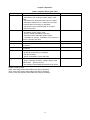
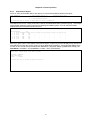
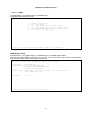
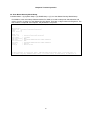
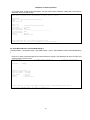
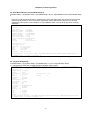
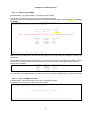
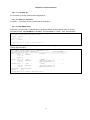
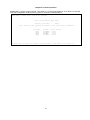
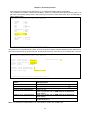
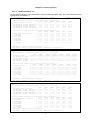
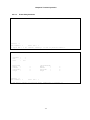
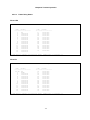
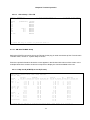
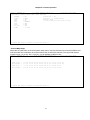
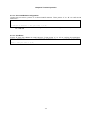
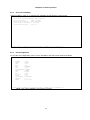
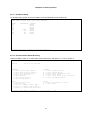
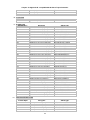
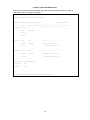
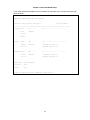
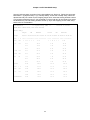
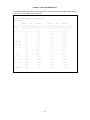
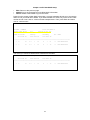
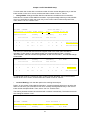
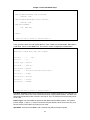
Lock on Secondary: Lock the data path on the secondary timeslot
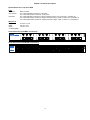
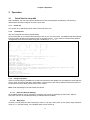
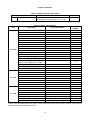
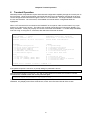
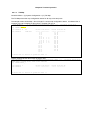
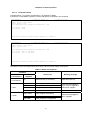
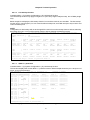
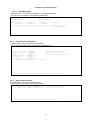
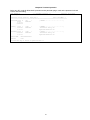
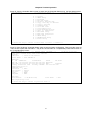
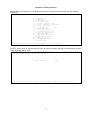
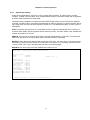
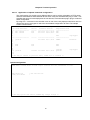
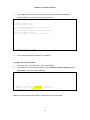
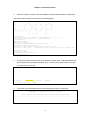
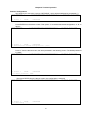
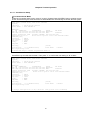
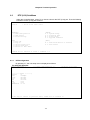
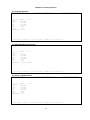
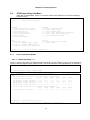
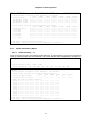
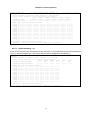
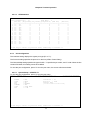
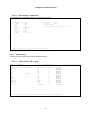
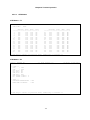
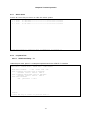
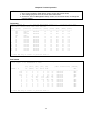
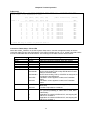
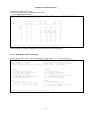
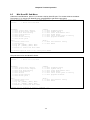
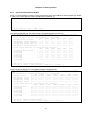
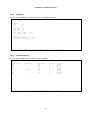
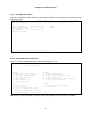
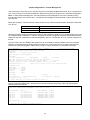
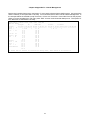
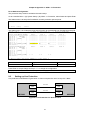
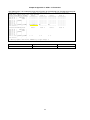
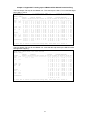
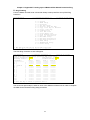
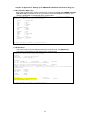
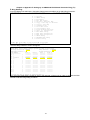
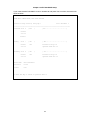
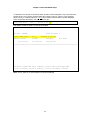
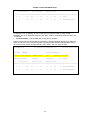
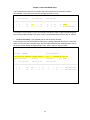
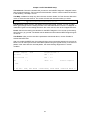
Press S from the screen of DS0-SNCP information. A prompt message will ask you to select the
SNCP circuit which you would like to lock the secondary timeslot as the working timeslot. Key in
the circuit’s index number and press Enter. Then, select “Yes” for “Confirm to do”.
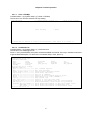
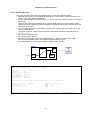
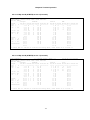
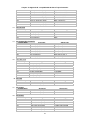
LOOP AM3440-A
=== DS0-SNCP Information ===
16:19:38 10/15/2010
DS0-SNCP : ENABLE
Total DS0-SNCP: 2
Force Lock on working - Index From:1
To 1
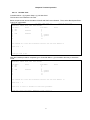
Index Protected
Primary
Secondary
Slot Port TS
Slot Port TS
Slot Port TS
Confirm To Do? Yes
d/v
Mode
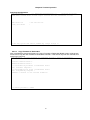
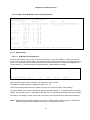
==============================================================================
1
D
01
W
7
1
01
8
1
01
D
Non-revertible
2
C
01
W
7
1
10
8
1
10
D
Non-revertible
199