1
.
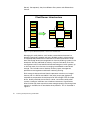
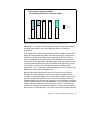
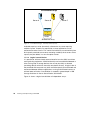
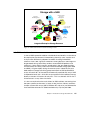
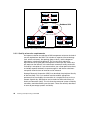
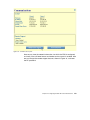
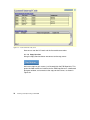
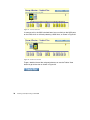
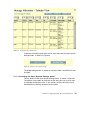
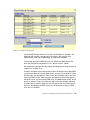
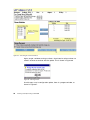
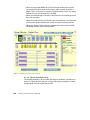
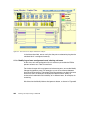
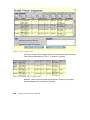
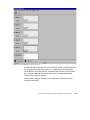
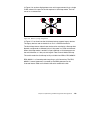
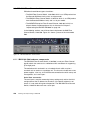
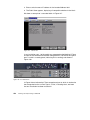
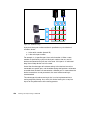
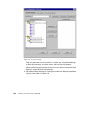
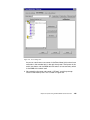
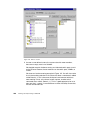
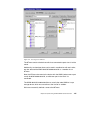
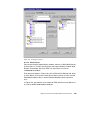
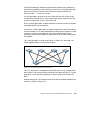
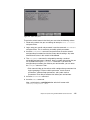
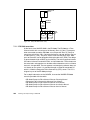
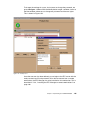
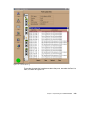
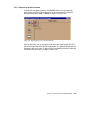
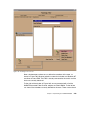
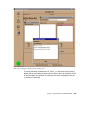
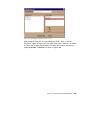
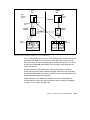
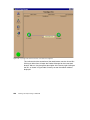
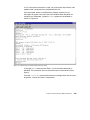
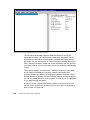
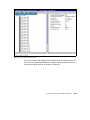
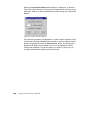
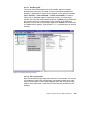
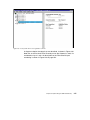
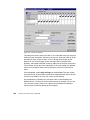
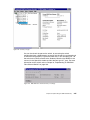
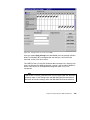
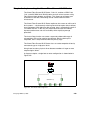
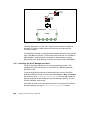
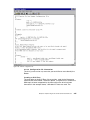
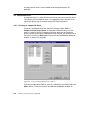
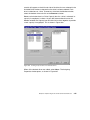
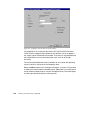
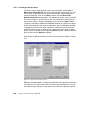
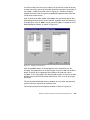
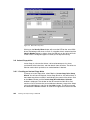
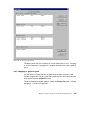
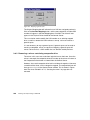
Figure 71. Storage allocation with host FC port and ESS FC port selected
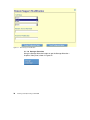
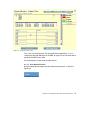
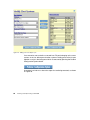
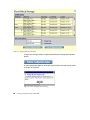
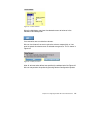
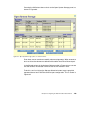
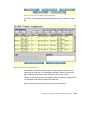
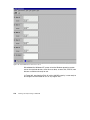
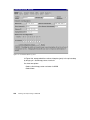
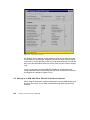
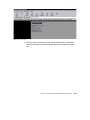
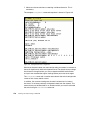
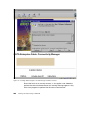
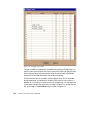
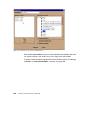
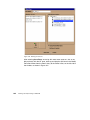
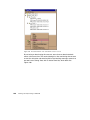
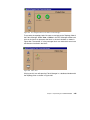
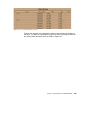
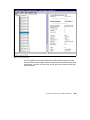
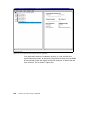
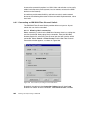
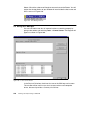
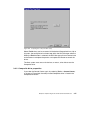
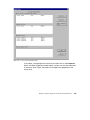
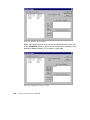
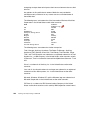
To see the configured host Fibre Channel ports and the assigned volumes in
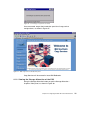
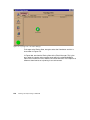
the tabular view, we click on the Open System Storage button.
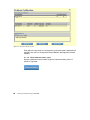
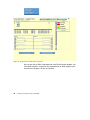
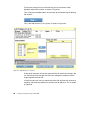
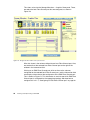
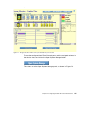
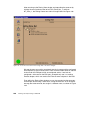
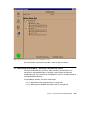
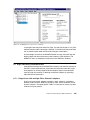
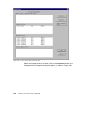
This takes us to the Open System Storage panel, as shown in Figure 72.
Chapter 4. Configuring the ESS with native Fibre Channel
95