1
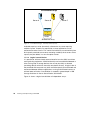
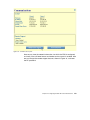
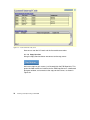
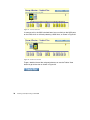
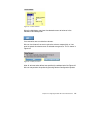
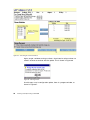
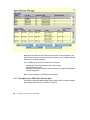
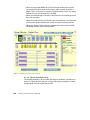
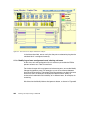
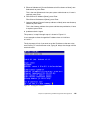
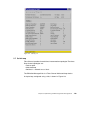
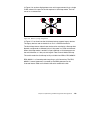
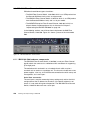
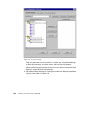
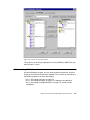
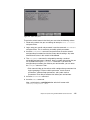
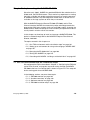
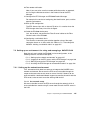
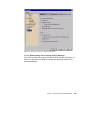
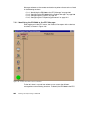
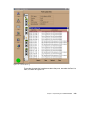
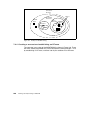
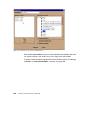
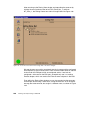
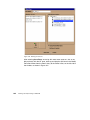
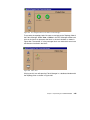
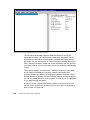
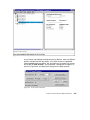
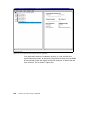
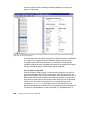
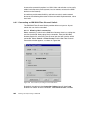
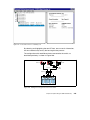
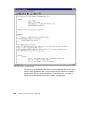
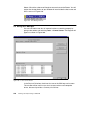
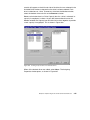
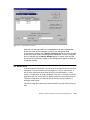
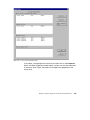
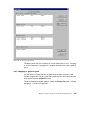
SCSI port, we can configure the port for SCSI, as shown in Figure 74.
However, we will focus on the FC part.
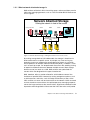
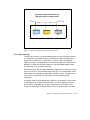
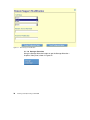
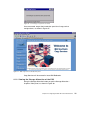
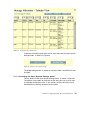
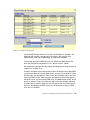
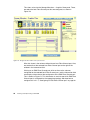
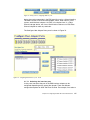
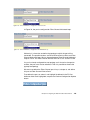
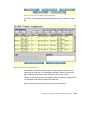
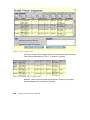
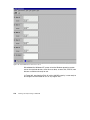
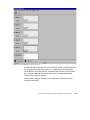
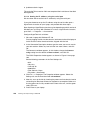
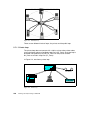
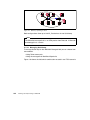
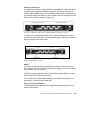
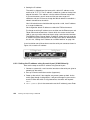
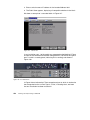
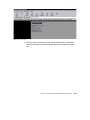
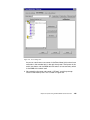
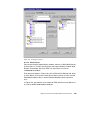
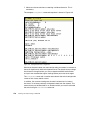
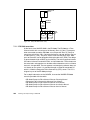
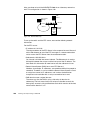
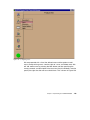
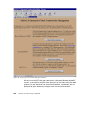
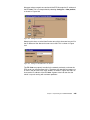
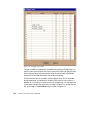
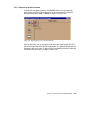
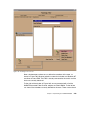
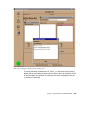
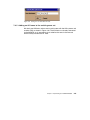
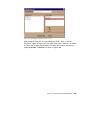
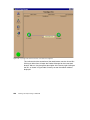
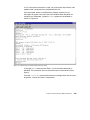
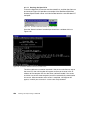
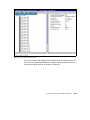
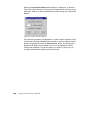
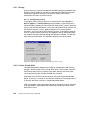
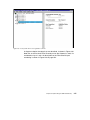
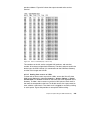
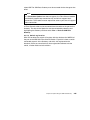
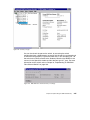
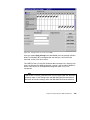
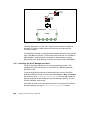
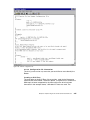
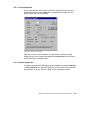
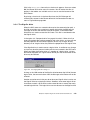
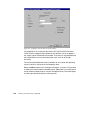
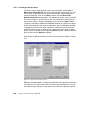
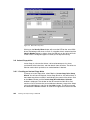
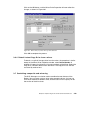
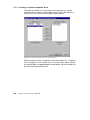
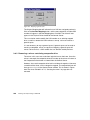
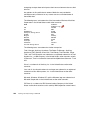
By selecting an FC port, we are presented with the Configure Host Adapter
Ports panel, as shown in Figure 75.
Figure 75. Configuring ESS interface ports - FC
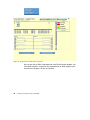
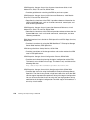
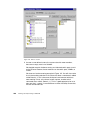
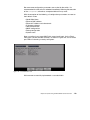
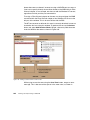
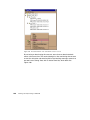
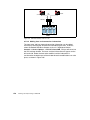
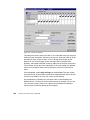
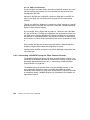
The port we used is in bay 1, adapter 2, and is port A. It is called ‘A’ even it is
the only port on the adapter.
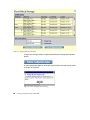
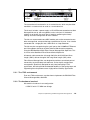
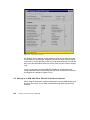
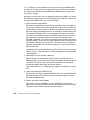
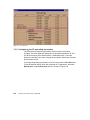
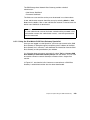
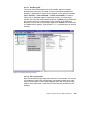
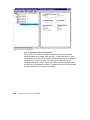
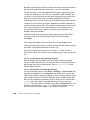
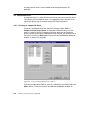
4.1.7.2 Storage Server Attributes field
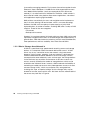
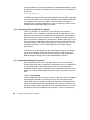
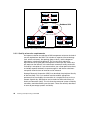
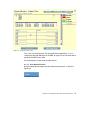
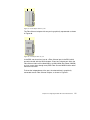
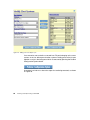
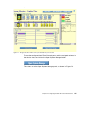
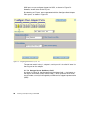
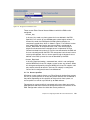
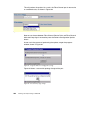
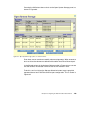
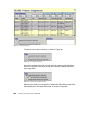
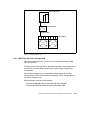
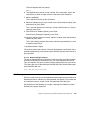
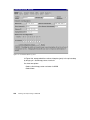
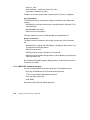
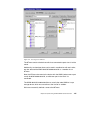
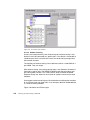
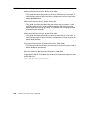
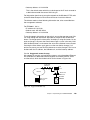
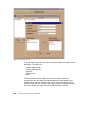
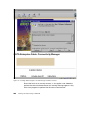
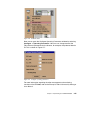
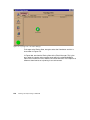
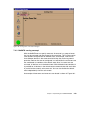
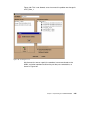
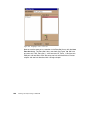
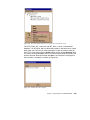
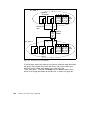
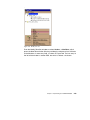
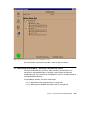
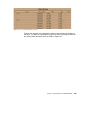
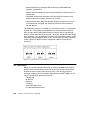
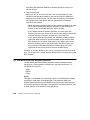
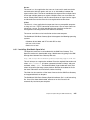
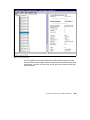
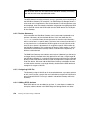
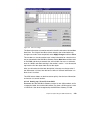
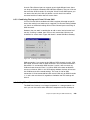
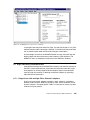
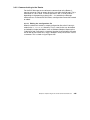
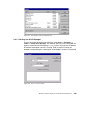
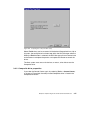
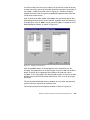
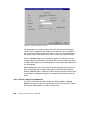
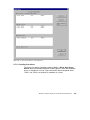
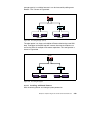
As shown in Figure 76, the Storage Server Attributes field — also known as
the logical unit number (LUN) access mode — which specifies the channel
access mode, can only be changed by an IBM service support representative
(SSR).
98
Planning and Implementing an IBM SAN