1
USB 2.0 PORT
The USB port can be used to capture still images from the DV 480 into a computer. In this
way, the DV 480 can be used as a 3-D scanner for your computer.
Connect the DV 480 to your computer with the supplied USB cable.
The capture
software is available on the supplied CD-ROM.
USB IMAGE CAPTURE AND VIDEO RECORDING
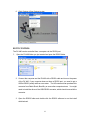
1. Connect the computer and the DV 480 with a USB cable and power on the DV 480.
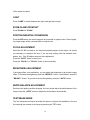
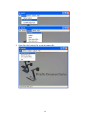
2. Open My Computer, you will see a USB Video Device:
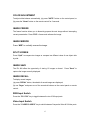
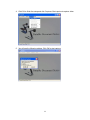
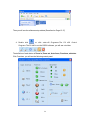
3. Double click USB Video Device, you will see the following image capture window:
18