1
Now, let’s say there’s a problem with John. He’s got some issue that someone outside
the agency has to resolve before your agency can continue with his case. So, you want
to warn the other advocates that he’s not to be contacted until the issue is resolved.
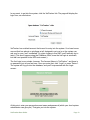
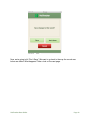
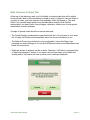
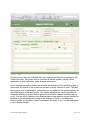
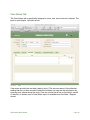
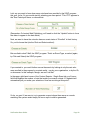
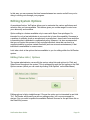
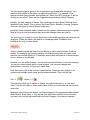
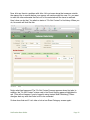
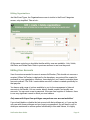
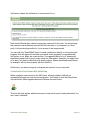
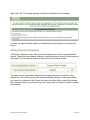
Here’s how you do that. You attach a status of “Do Not Contact” to his history. When you
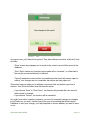
do, his screen will look like this:
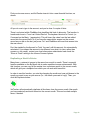
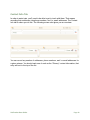
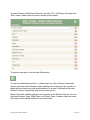
Notice what has happened. The “Do Not Contact” banner appears above his tabs. In
addition, the “Do Not Contact” status code in his Event History appears highlighted in
red. (This will not happen if you’re logged in using Instant Web Publishing.) These
changes alert any user that John is not to be contacted.
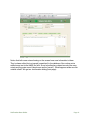
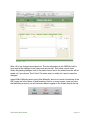
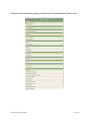
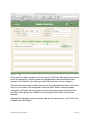
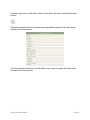
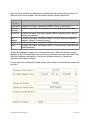
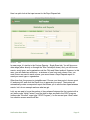
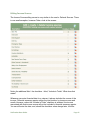
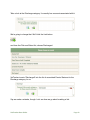
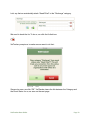
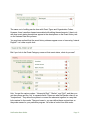
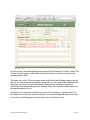
So how does that work? Let’s take a look at our Event Category screen again:
VetTracker User Guide!
Page 75