1
Performance Monitoring
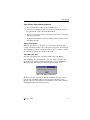
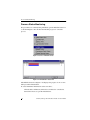
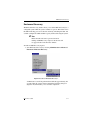
To capture data to a file:
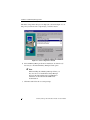
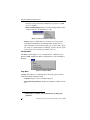
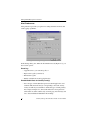
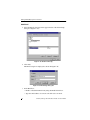
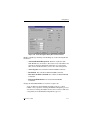
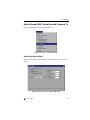
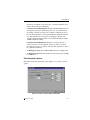
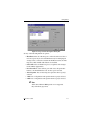
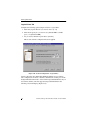
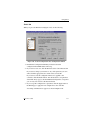
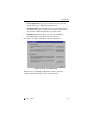
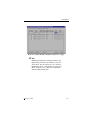
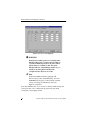
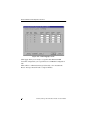
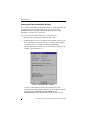
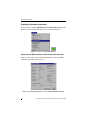
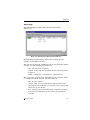
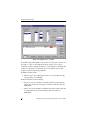
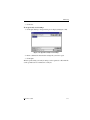
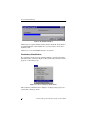
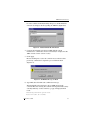
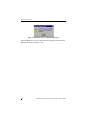
1. Click Capture Data. A Capture Data dialog box is displayed
(Figure 5-21).
Figure 5-21. Capture Data to a File
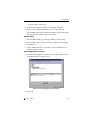
2. With Start Capture selected, type a filename for the data file to be
saved, or click Browse to find an existing data file and append to it.
3. Click OK.
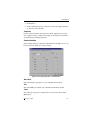
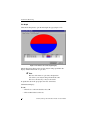
Data defined by your analysis strings will be generated. You can see the data
as a line graph, pie graph, or bar graph. Data will be collected until you click
the Stop Capture button.
You may wish to save the contents of the data buffer to a file for later
examination.
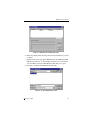
To save the data buffer to a file:
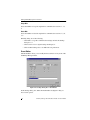
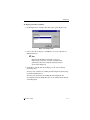
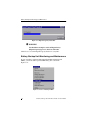
1. Click Capture Data.
2. Select Save Buffer, and type a filename for the data file to be saved, or
click Browse to find an existing data file and append the buffer to it.
3. Click OK.
5-28
SANArray Manager Client Installation Guide and User Manual